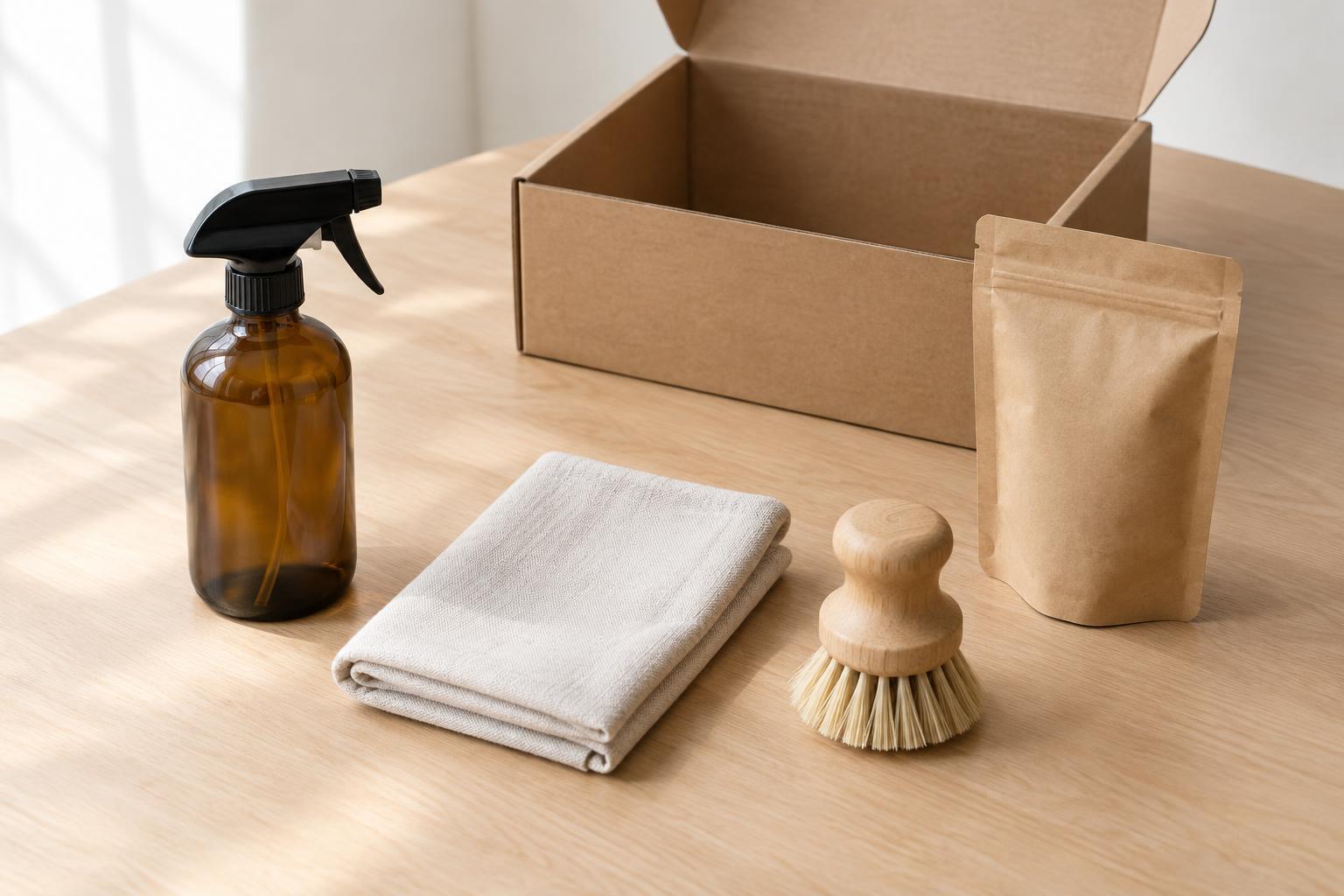
Start with a precise contents list
Before arranging a bundle, write down exactly what a buyer receives. Include quantities, sizes, colors, packaging, and any components that might be mistaken for separate products. If a photograph shows two identical bottles but the offer includes only one, the image creates confusion even if the written description is correct. Use the contents list as a checklist for every planned frame.
Separate included items from styling materials. A tray, ribbon, plant, or serving dish may help establish context, but a shopper could reasonably assume it comes with the bundle if it appears prominently in the main image. Keep the first image limited to included items when possible. In later lifestyle images, choose props that are visibly part of the setting rather than presented as components of the offer. For more ideas on planning visual coverage, browse Coda Photo Journal.
Give each image a specific job
Plan a short sequence instead of asking one photograph to do everything. The opening image should show the complete bundle with each item recognizable. A second image can show the contents laid out with more space between them. Additional frames can explain how the items work together, show a detail that would be lost in the group view, or show the bundle in its packaging.
Think about the order in which someone will encounter these photos. A close-up of a beautiful texture is less useful as the first image if it leaves the contents uncertain. Conversely, a neat overhead layout may establish the inventory but fail to explain how the products are used. Give clarity priority in the opening frame, then use supporting images to answer the next likely questions.
Make a simple shot list with a purpose beside each frame: complete contents, individual details, assembled or in-use view, and packaging if relevant. This also helps when a bundle has interchangeable options. Decide whether each option needs its own complete image rather than photographing a mixture that cannot actually be purchased.
Arrange the bundle for recognition, not symmetry alone
Set the products out so their outlines remain distinct. Overlap can make a composition feel connected, but too much overlap hides quantities and important parts. Place taller items behind shorter ones, turn labels toward the camera where useful, and leave enough separation for viewers to count repeated items. Check the arrangement through the camera rather than relying on how it looks from where you are standing.
Choose the camera angle to suit the contents. An overhead view often makes a flat assortment easy to count; a lower angle can better show the shape of bottles, boxes, or containers. If no single angle makes every item understandable, use a second frame rather than forcing an awkward arrangement. Keep the camera position and crop reasonably consistent when photographing several bundles for the same shop.
Light the group so one object does not cast an avoidable shadow over another. A broad, soft light can help reveal labels and surfaces across items of different heights, while small changes in product position may clear a troublesome shadow. Review the darkest item and the lightest item together before continuing. For further browsing on lighting approaches, visit Lighting · Coda Photo Journal.
Check the photographs against the actual offer
Before clearing the set, compare each image with the contents list. Count repeated products, look for hidden accessories, and confirm that any visible packaging matches the version being sold. If you used a substitute package or an empty display item for the shoot, make sure the final photograph does not imply a different quantity or configuration. Retake an unclear frame while the setup is still available.
Review the images at the size and crop in which they are likely to appear. A label that reads clearly on a large monitor may disappear in a small shop thumbnail. Leave enough space around the bundle to accommodate different placements, but do not crop away an included item just to make a layout fit. If text will be added later, keep it separate from the products rather than covering information a buyer needs.
Editing can improve consistency across the set, but it should not change what appears to be included. Remove distracting dust or adjust an uneven exposure without erasing a component, adding an item, or changing a color that distinguishes one option from another. For more workflow-related browsing, see Editing and Workflow · Coda Photo Journal. A final contents check is a simple way to keep the finished photographs useful as well as appealing.