Start with one decision
A landing page has a narrower job than a homepage. It might invite someone to request a quote, book a consultation, download a guide, or buy a particular product. Before writing, finish this sentence: “After reading this page, the right visitor should be ready to…” If the answer contains several unrelated actions, consider whether you need separate pages.
Next, identify what a visitor must know to make that decision. A person considering a photography service may need to know what is photographed, what is included, how the process works, and how to discuss a project. Write those questions down before drafting any polished copy. They give you a more useful outline than a list of everything the business wants to say.
Keep the audience specific enough to guide your wording. “Small food businesses needing product photographs for their online shops” suggests different examples and concerns from “anyone who needs photography.” You do not need to exclude every other visitor, but you do need a clear primary reader.
Put the offer before the explanation
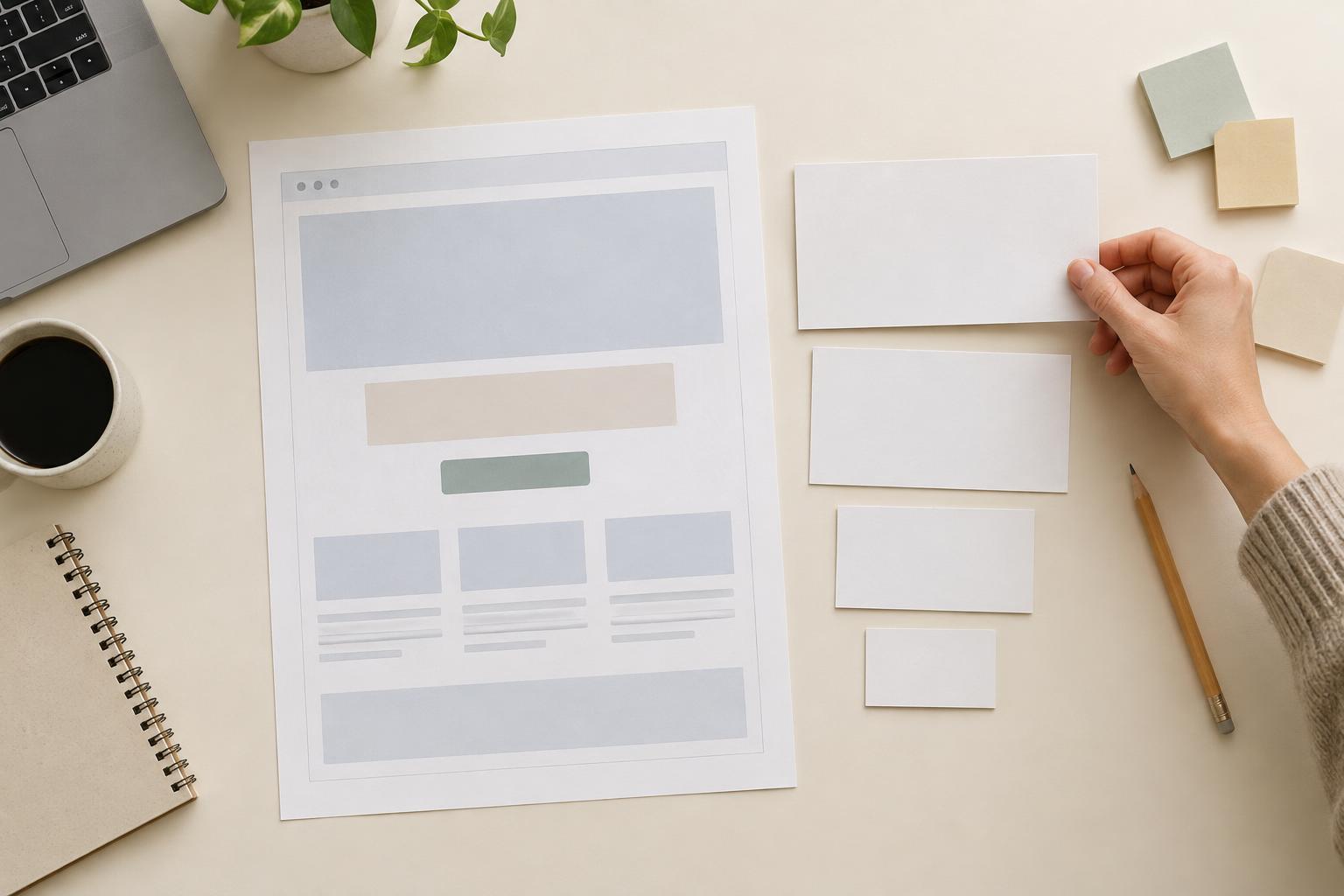
The first screen should help visitors recognize where they are and why the page matters to them. A practical opening usually needs a headline naming the offer or outcome, a short supporting sentence, and a visible next step. The headline does not need to summarize the entire service. It does need to be understandable without the rest of the page.
For example, “Product photography for small online shops” is clearer than “Make every detail shine.” A supporting line can then add the useful distinction: “Plan a simple studio shoot for a focused set of product images.” If “Make every detail shine” suits the brand voice, it can appear elsewhere; it should not carry the full burden of explaining the offer.
Use the call to action to name the action rather than promise a result. “Request a shoot estimate” tells visitors what happens next. “Transform your business now” does not. If the action requires a form, indicate what the visitor can expect to provide, especially when the commitment might not be obvious.
Arrange the middle around visitor questions
After the opening, move from the main benefit to the details that make it credible. A useful sequence is: what the offer helps with, what is included, how it works, and what someone should consider before choosing it. This is a starting structure, not a rule. If price, eligibility, or delivery format is likely to determine whether someone continues reading, make that information easy to find earlier.
Give each section heading a job. “What is included in a product shoot” helps someone scan; “Our solutions” could mean almost anything. Under that heading, use concrete descriptions such as image types, preparation steps, or handoff formats if they are actually part of the offer. Avoid adding features merely because similar pages mention them.
Separate benefits from specifications without hiding either. “Consistent angles make a product range easier to browse” explains why a choice may matter. “Front, side, and detail views” describes what a customer might receive, if those views are included. Together, those statements are more informative than an unsupported claim such as “premium visuals that sell.”
Use proof and objections with care
Visitors may have reasonable questions: Will this work for my type of project? What do I need to prepare? What happens after I send the form? Address those questions close to the point where they arise. A brief process section can reduce uncertainty more effectively than repeating the same call to action after every paragraph.
Proof should be specific and verifiable. If you have permission to show real work, captions can explain the assignment and the choices made without claiming a result you cannot substantiate. If you do not have testimonials or case studies, do not manufacture them. A clear description of scope, process, and deliverables still gives visitors useful grounds for a decision.
Be equally careful with reassurance. Replace vague promises such as “hassle-free from start to finish” with a concrete next step, such as “Tell us the number of products and where the images will be used; we’ll discuss a suitable shoot plan.” Use that wording only if it reflects the actual process.
Edit for scanning, then read for continuity
Once the draft is complete, read only the headline, section headings, and button labels. Can you follow the offer from introduction to action? If not, revise those elements before polishing individual sentences. Visitors often scan first and read closely only when a section answers a question they have.
Then read the full page in order. Remove repeated claims, define unfamiliar terms, and check that each paragraph adds information. Short paragraphs help, but cutting every sentence to a fragment can make the page feel choppy. Aim for a clear progression rather than a particular sentence length.
Finally, check the copy against the actual page design. A strong hierarchy in a document can disappear when headings look like body text or a crucial detail is separated from its explanation. Review the page on a narrow screen as well as a wide one. The goal is not to make every visitor read every word; it is to make the information they need easy to find before they decide what to do.