Start with a transfer, not a tidy-up
After a commercial shoot, the first priority is to get the files off the camera cards without losing track of their originals. Create a project folder before importing anything. Give it a recognizable name, such as 2026-04_Bakery_MenuPhotos, then add folders for Originals, Selects, Working Files, Exports, and Delivery. The names matter less than using the same structure on every job.
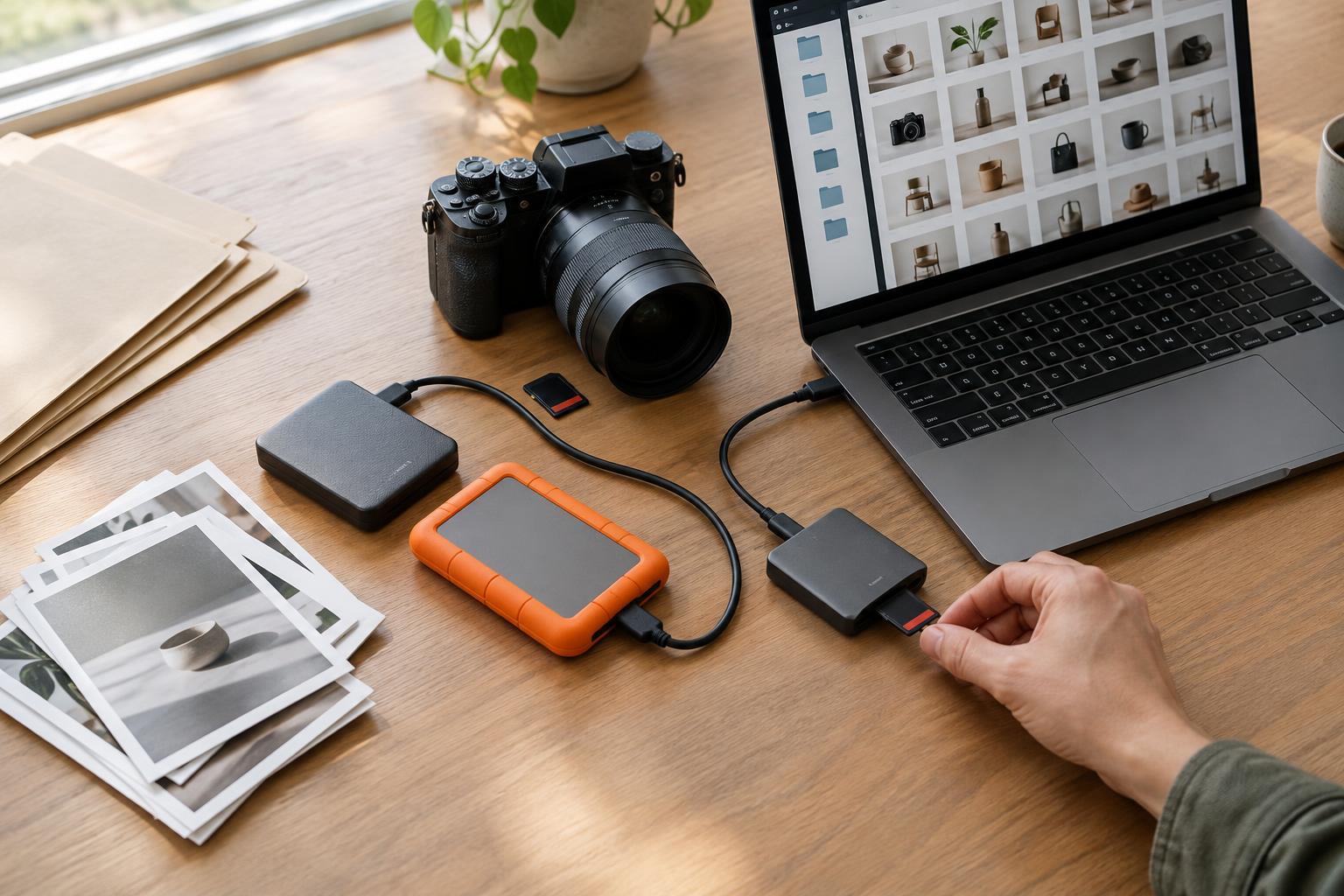
Copy the full contents of each card into Originals. If you used several cameras or cards, give each card its own subfolder, such as CameraA_Card01. Keep the card’s existing folder structure and filenames intact during this first transfer. That makes it easier to investigate a missing frame or import problem later. Do not delete or format a card just because a progress bar has finished; first check that the copied folders contain the files you expected and that representative images open.
Keep a short project note alongside the folders. Record which cards were transferred, where the first copy lives, and anything unusual about the shoot, such as a second photographer’s files or product images that must not be published. This small record is especially useful when the person editing is not the person who photographed the job.
Make backups before you start deleting
One working copy is not a backup. Before culling or editing, make another copy of the original files on a separate drive or in a reliable cloud location. For valuable shoots, consider keeping a further copy in a different physical location. The goal is to avoid a single accident, device failure, or lost bag taking every copy with it.
A backup is more useful when you can confirm it worked. Compare file counts and folder sizes as a basic check, then open samples from different cards on the backup destination. If your transfer software offers file verification, use it. Verification is particularly helpful for large shoots, though no single check replaces a sensible habit of reviewing what was copied. Wait until the originals exist in more than one place before reusing camera cards.
Treat backup and synchronization as different tools. A synced folder can make files available across devices, but a deletion or unwanted edit may also sync. Check whether your chosen service keeps previous versions or deleted files, and for how long, rather than assuming it does. Keep the untouched Originals folder separate from your editable working files so that an export mistake or aggressive cleanup does not alter the source images.
Choose names that still make sense months later
Camera filenames are convenient during capture but rarely describe a project. Once the original card copies are secure, you can rename the images you will manage in your photo catalog or working folders. Use a consistent pattern with a project identifier and a unique sequence number, such as Bakery_Menu_0001. If several cameras produced overlapping numbers, include a camera identifier or assign one continuous sequence across the shoot.
Keep filenames short and stable. Put details such as product name, usage notes, or approval status in a project note, catalog, or delivery list rather than repeatedly renaming files as decisions change. Avoid characters that may cause problems when files move between systems; letters, numbers, hyphens, and underscores are usually straightforward choices. Preserve file extensions so software can recognize each file type.
For edited images, add a purposeful suffix instead of replacing the original: Bakery_Menu_0042_web.jpg or Bakery_Menu_0042_print.tif, for example. The shared identifier connects each export to its source image. If you supply multiple crops, add a clear crop label. A client should be able to distinguish a finished social crop from a high-resolution master without opening every file.
Separate decisions from source files
Culling is easier when it follows a simple path. First remove obvious technical misses from consideration, such as accidental shutter presses or frames with unusable focus. Then mark promising images as selects and compare similar compositions side by side. For a small business campaign, choose for the intended placement as well as visual appeal: a strong square product image may not leave enough open space for a wide banner headline.
Do not confuse “not selected” with “safe to delete.” Near-duplicates, alternate expressions, and wider compositions may be useful when a layout changes. Keep originals during the active project and apply your own retention policy afterward. If a client agreement sets requirements for storage or deletion, follow those requirements rather than an informal habit.
Store edits in Working Files and completed versions in Exports. Before delivery, open the actual exported files, not just the images in your editing application. Check crop, orientation, color appearance, spelling on any embedded text, and whether the agreed file dimensions and formats are present. A neat folder is valuable, but it cannot compensate for delivering the wrong version.
Deliver clearly, then archive deliberately
Create a Delivery folder containing only the files the recipient needs. Separate versions by use, such as Web and Print, if both were requested. Include a brief text note explaining the folders, identifying any images with usage restrictions, and naming the person to contact about missing or alternate files. Avoid sending a mixed folder of RAW files, proofs, layered edits, and finals unless those items are part of the agreed handover.
When the job is complete, archive the project folder with its originals, working files, final exports, and project note. Check that the archive and its backup are readable before removing working copies from a laptop or temporary drive. Record where the archive lives so a future request does not become a search across old devices.
The best workflow is one you can repeat without guessing. Use the same folder structure, naming pattern, transfer check, and delivery check on your next shoot, then adjust anything that caused confusion. A few consistent steps after every session make commercial images easier to protect, retrieve, and reuse.