Start with the question the photograph must answer
Commercial photography can be beautiful and still leave a viewer confused. A dramatic shadow may hide the opening of a bag; a carefully styled tabletop may make a small jar look like a large one. Before choosing props or lighting, write down what a person should understand from each image. Is this the product’s shape, its size, a particular feature, or the way it is used? One photograph does not need to answer every question, but the image set should work together.
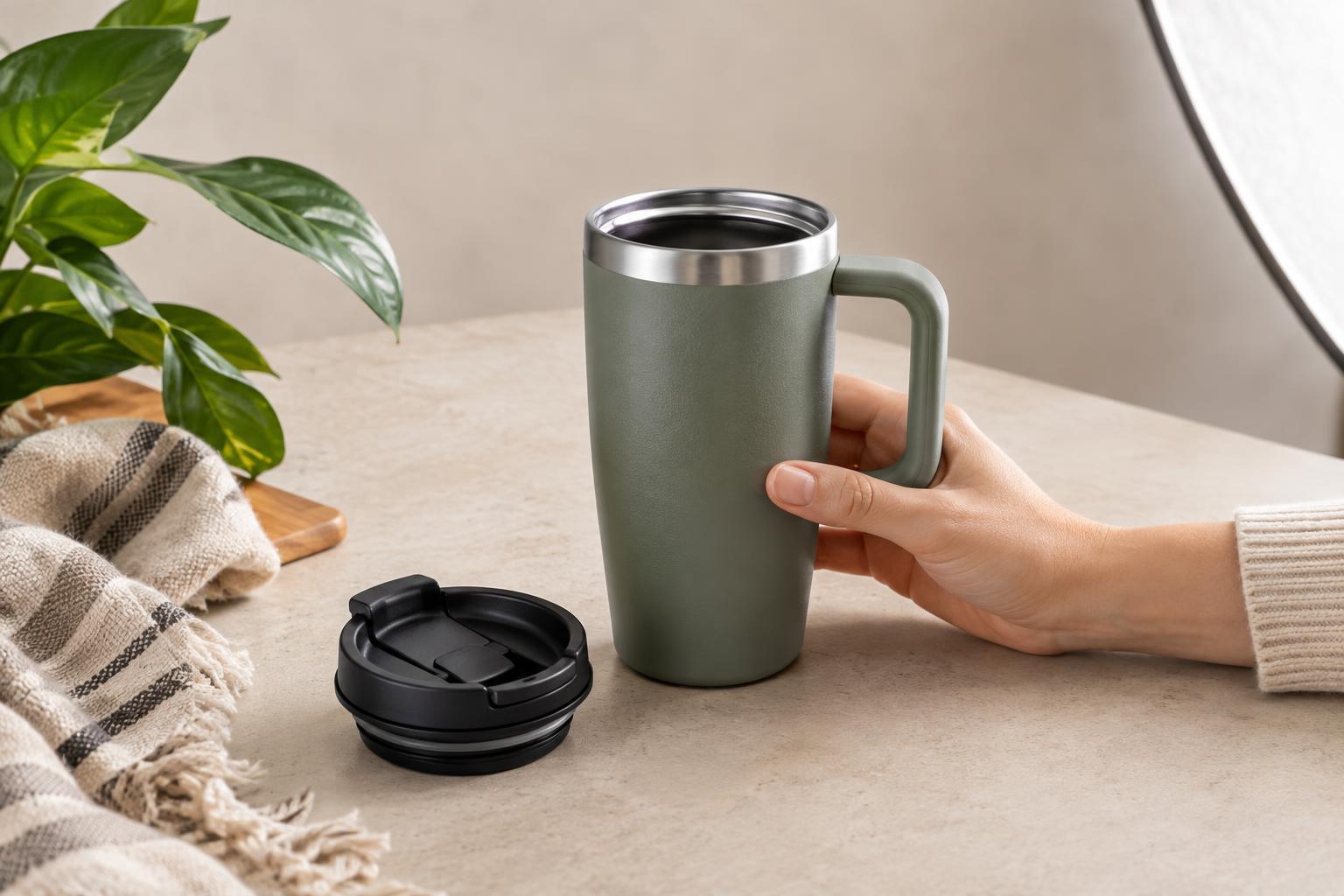
A useful brief separates the essential information from the desired mood. For a reusable bottle, the essential list might include its overall shape, lid mechanism, drinking opening, and how it looks in a hand. The mood could be calm and outdoorsy. If the mood obscures the lid or changes the apparent color, the brief gives the team a reason to adjust the shot.
Mistake: styling hides the product
Props create context, but they can also compete with the thing being sold. Leaves across a label, folded fabric covering a fastening, or several similar objects crowded into one frame can make it hard to tell what is included. A person scanning a small image may not spend time working out which item is the product.
Build one clean, unobstructed view before adding lifestyle shots. Show the complete product with enough space around it to read its outline. Then use props selectively: a notebook beside a pen can suggest scale and use without covering the grip or tip. If an accessory is not included, consider whether its presence could imply that it is. Styling should clarify the product’s role, not require a caption to explain the scene.
Mistake: lighting and editing change important details
Strong lighting choices affect what viewers can inspect. Deep shadows can conceal seams, controls, or texture. Bright reflections can turn a glossy surface into a white patch. Color casts and aggressive editing may make a finish appear different across images, especially when the product’s color is a selling detail.
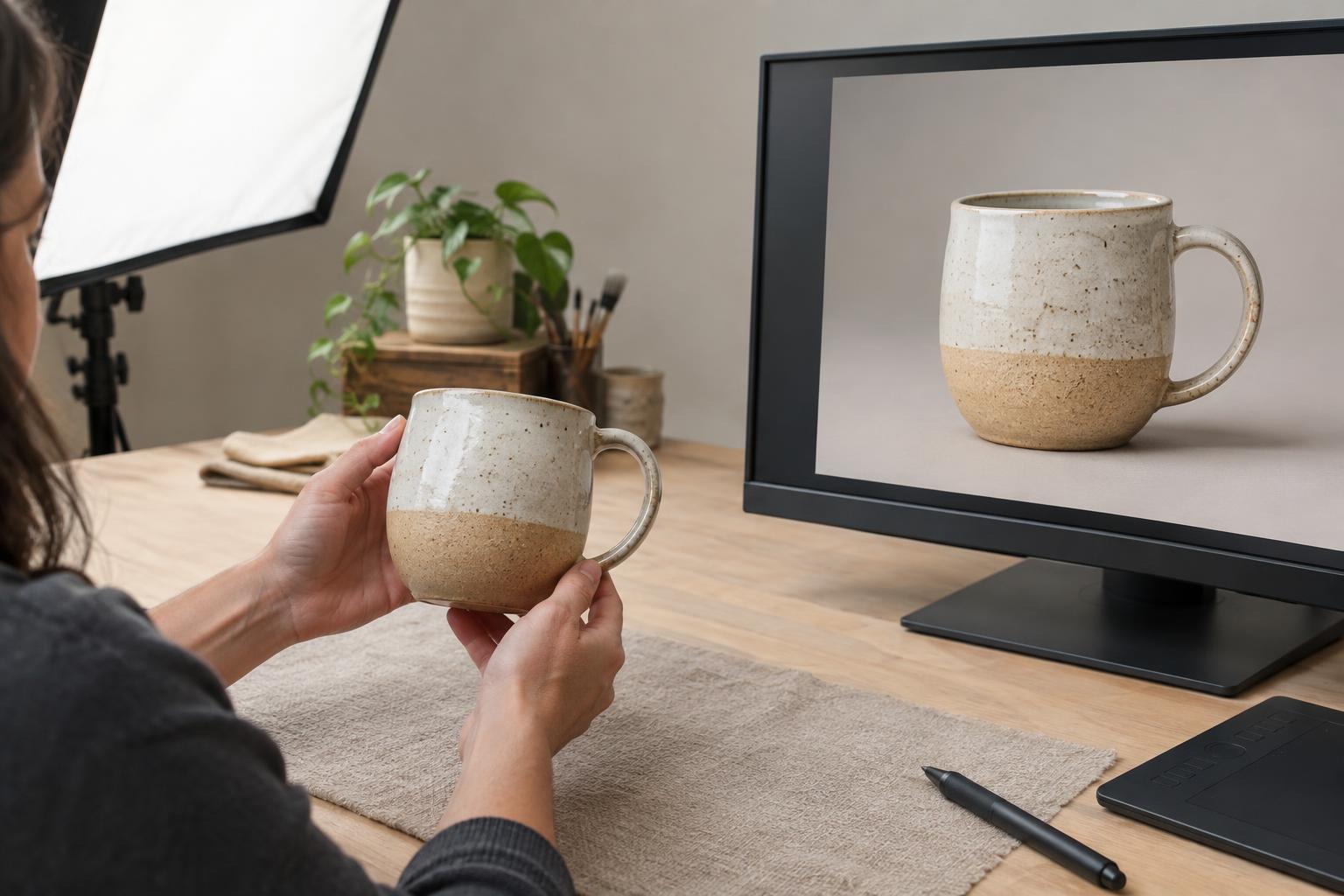
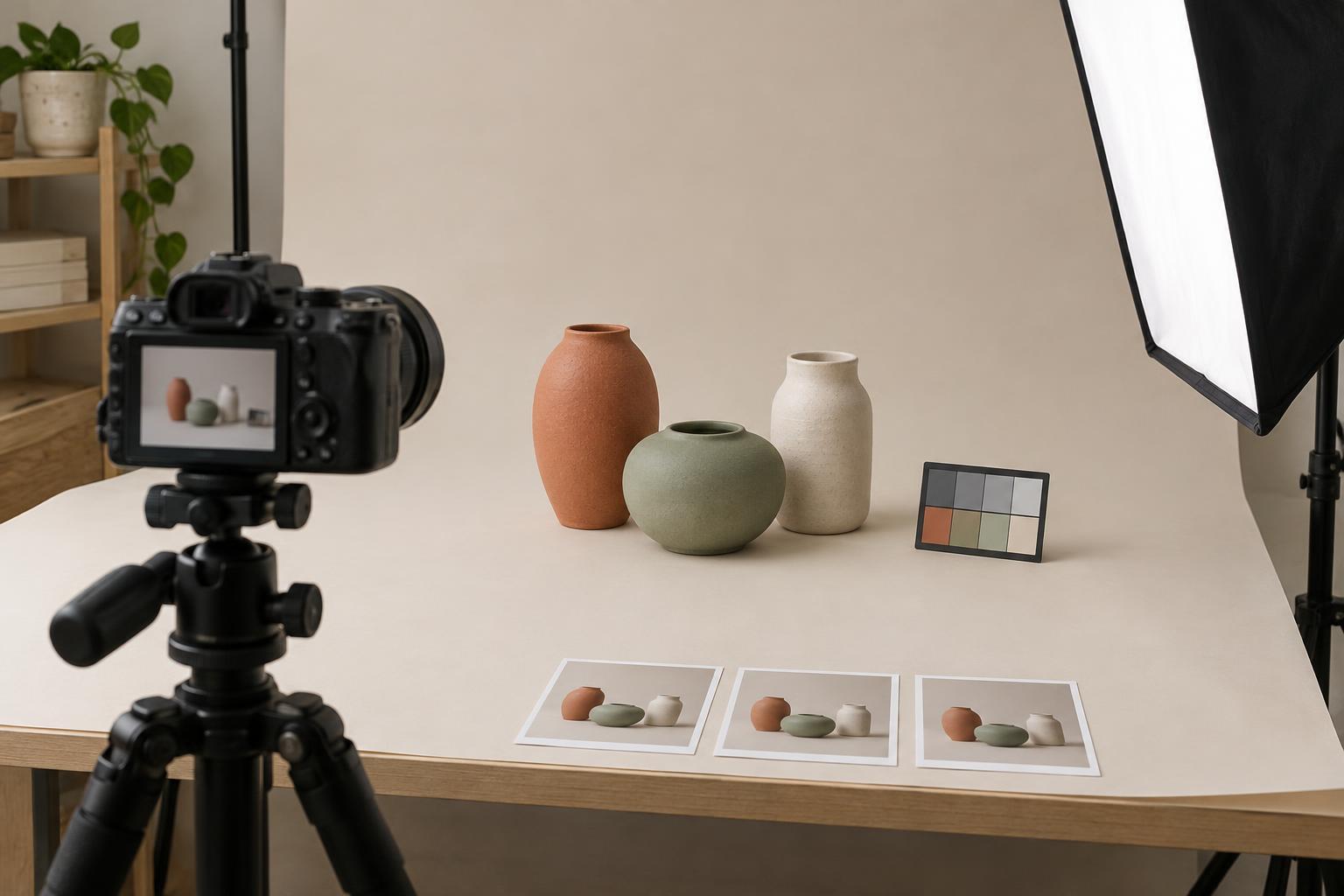
Make a test frame and check it at the size people will actually see. Can you distinguish the edge of a dark product from the background? Are printed words and surface details visible without extreme zooming? Move the light, add a simple reflector, or change the camera angle before trying to repair everything in editing. Consistent exposure and color across the image set help viewers compare views without wondering whether they are looking at different versions.
Mistake: every image shows the same angle
A three-quarter view is often appealing, but repeating it rarely explains a product fully. It can hide depth, the back, an opening, or the part that touches another object. Similarly, photographing only packaging may leave the contents unclear. Think of the image sequence as a short demonstration rather than a collection of favorite frames.
Plan views that each add information: an overall view, a reverse or side view, a close-up of a meaningful feature, and an in-use image where use needs explaining. For a desk lamp, those views might show its base and shade, the switch, its adjustable joint, and the area it illuminates. The exact sequence depends on the product. Choose angles because they resolve likely questions, not simply because they look different.
Mistake: scale and use are left to guesswork
An isolated product on a plain background is useful for showing form, but it may give little sense of size. Perspective can add to the problem: a small item placed close to the camera can appear unusually large beside a more distant prop. In-use shots have their own risk when a hand, body, or setting hides the very feature the viewer needs to see.
Pair the clean product view with a carefully chosen scale cue, such as the item held naturally or placed beside an object with a familiar size. Keep both on a similar plane when their relative dimensions matter. For products with moving parts, show the action at a stage that explains it: a container open as well as closed, for example. Review the final set without relying on the product description. If a viewer could mistake the item’s size, contents, or operation, add or revise a photograph that answers that question directly.