Decide what consistency means for the set
Color consistency does not mean making every photograph identical. A cream bottle on a white background and a dark green bottle on the same background should still look like different products. The goal is to keep shared elements, such as the background, lighting and overall warmth, stable while preserving real differences between items.
Before shooting, choose one finished image as a visual target. Decide whether the set should feel bright and neutral, soft and warm, or deliberately dramatic. Note which product colors matter most, especially if customers may use the photographs to distinguish variants. Keep that target nearby when you shoot and edit; it is easier to spot a color shift when you have a specific frame for comparison.
Make the light repeatable
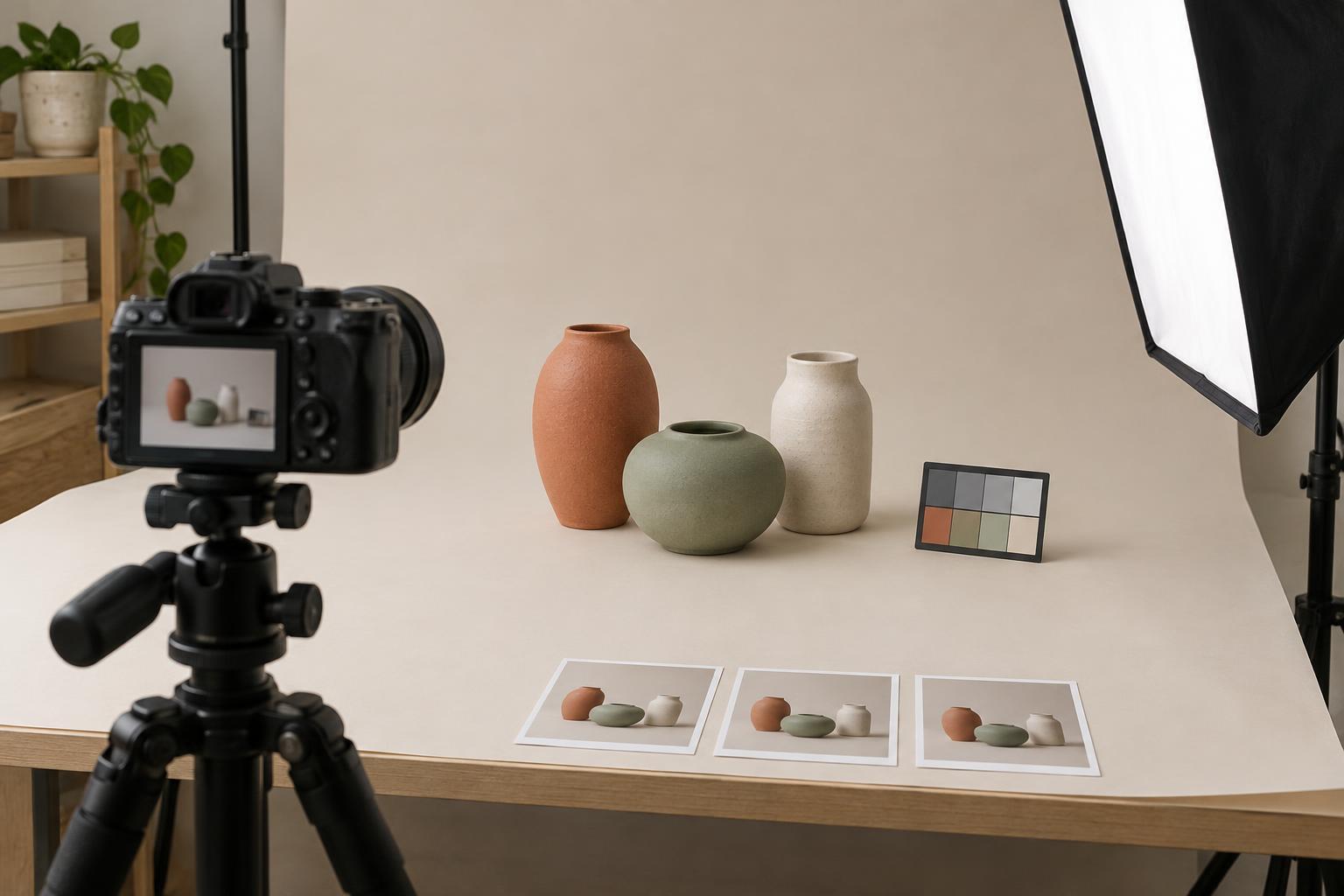
Changing light is a common reason one product looks cool and the next looks yellow. If possible, photograph the full set in one session with the same lights, modifiers and room conditions. Avoid mixing daylight with household lamps: their different color characteristics can make a single white-balance setting work for one part of the scene but not another. If you use window light, watch for changes as clouds pass or the sun moves.
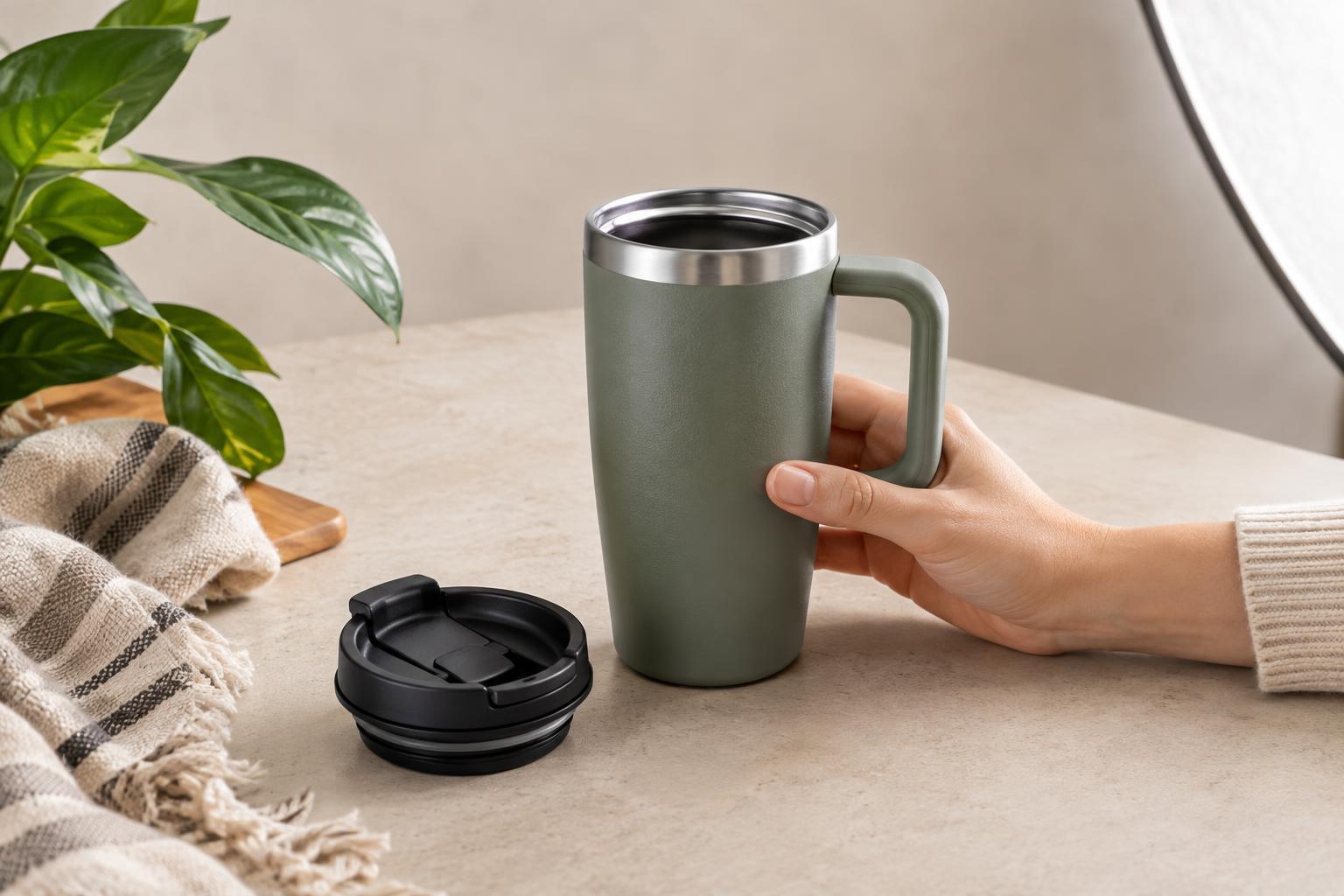
Keep the camera, lights, product position and background in marked locations. Even a small shift can change how a glossy surface reflects its surroundings. For reflective packaging, pay attention to colored walls, clothing and props as well as the lights themselves. A red shirt near a shiny jar, for example, may leave a visible tint that is difficult to remove without affecting the jar’s true color.
Use manual exposure settings when the lighting is stable. This prevents the camera from making each frame lighter or darker based on how much pale or dark packaging fills the image. Keep the lighting arrangement fixed, then adjust the product’s position only as much as needed to show its shape and label clearly.
Set a reliable color reference
Set a fixed white balance rather than leaving the camera on automatic white balance for the whole set. Automatic settings can respond differently to a blue product, a brown box or a large white label, even when the light has not changed. A custom white balance or a fixed setting chosen for your lights gives you a steadier starting point.
At the start of the session, photograph a neutral gray card or another dependable neutral reference in the same light as the products. Include it again whenever the lighting changes. If exact color is especially important, a color reference chart can help you compare the capture with known color patches during editing. Place any reference where the product sits, then remove it for the final image.
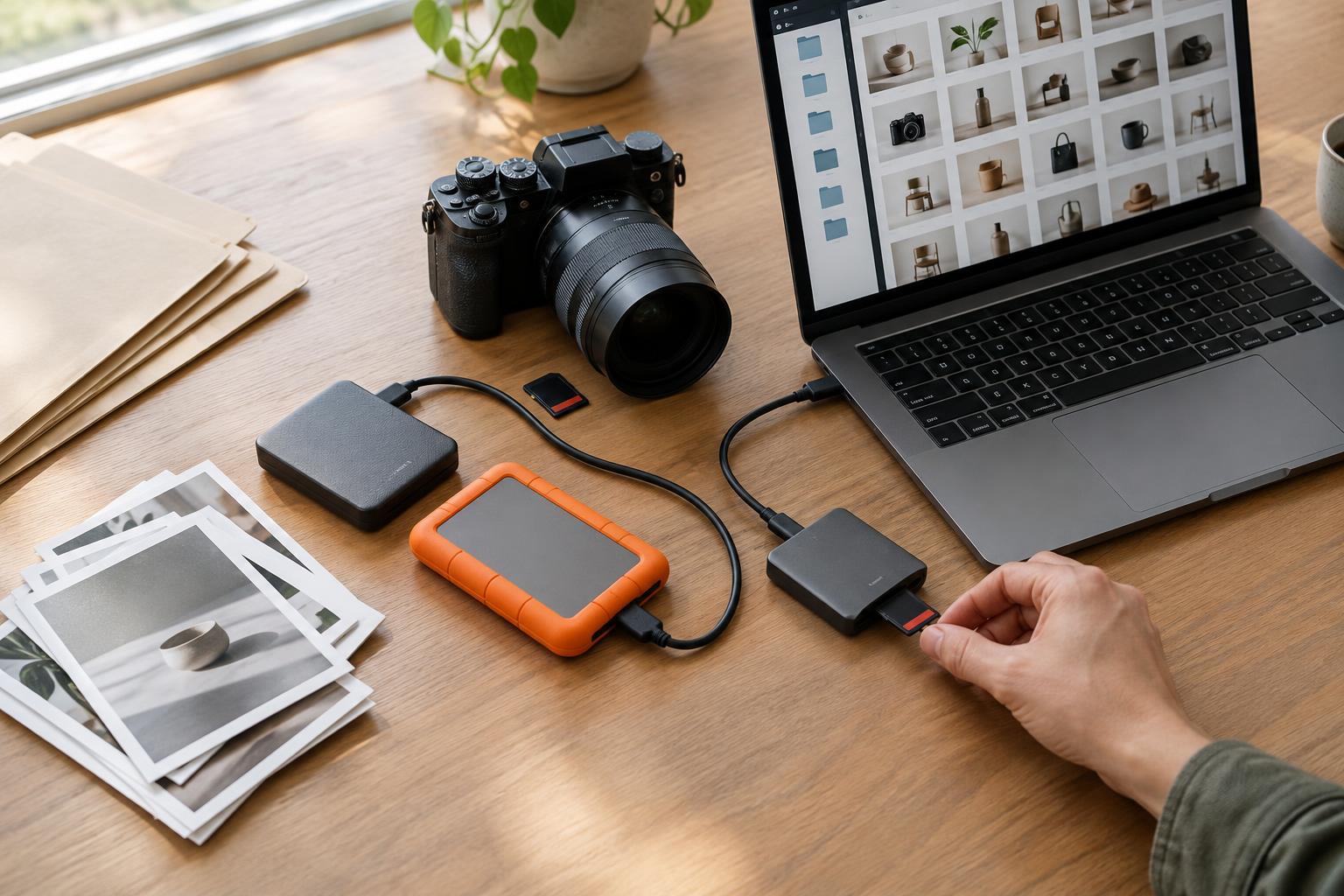
Shoot in RAW if your camera and workflow allow it. RAW files usually give you more room to adjust white balance and exposure consistently than finished JPEGs. A reference does not guarantee perfect color on every screen, but it gives you a repeatable basis for decisions instead of relying on memory.
Edit as a group, then check each product
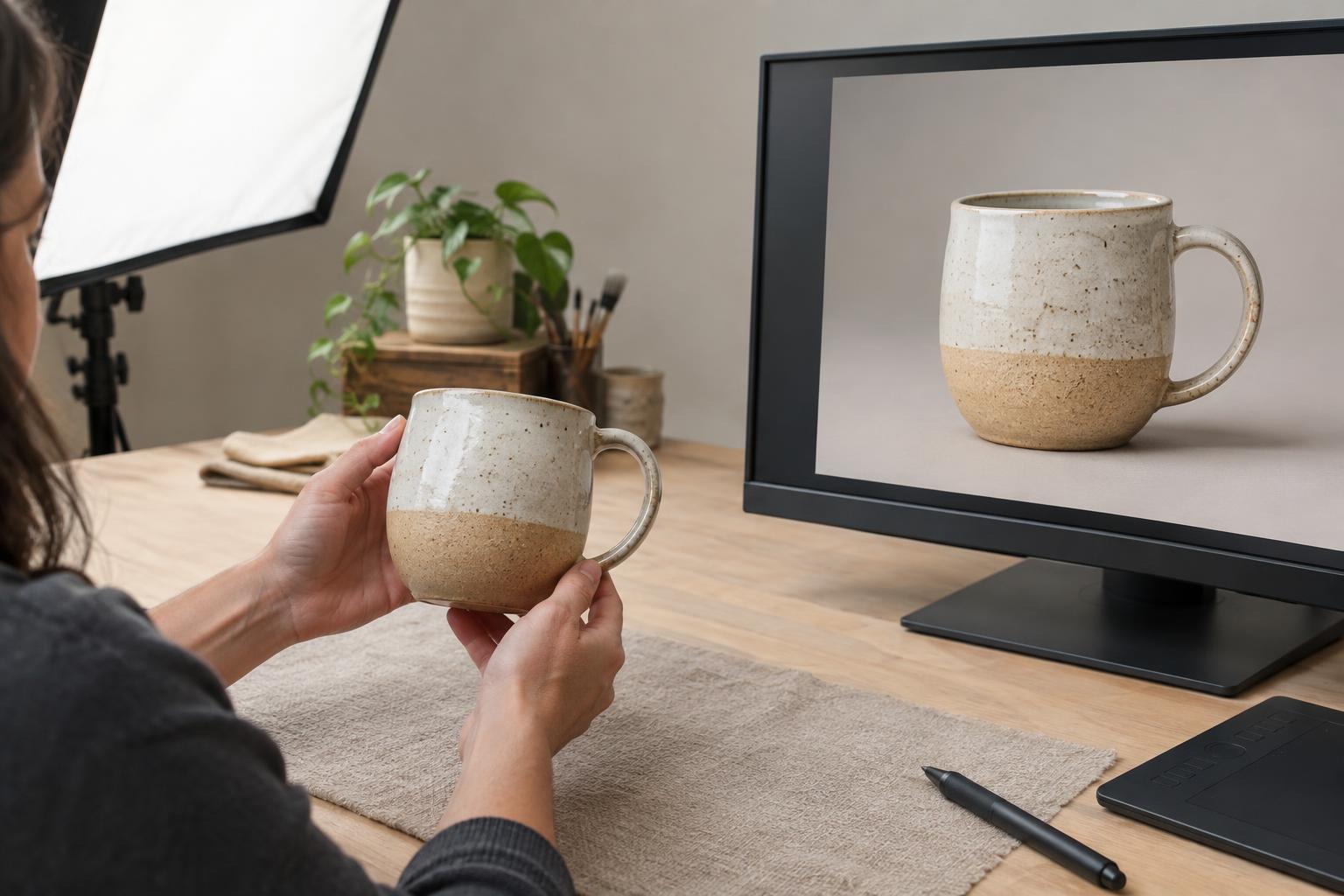
Begin with one representative photograph and set its white balance, exposure, contrast and background tone. Apply those settings to images made under the same conditions. Batch editing is a starting point, not a substitute for reviewing each frame: a dark product may need a local adjustment to reveal detail, while a reflective one may show a color cast that others do not.
Compare similar areas side by side. Do white backgrounds lean pink in one frame and blue in another? Does the same label color change across angles of a single product? Correct shared shifts first, then make restrained image-specific adjustments. Avoid forcing every background to pure white if doing so removes subtle edges from a pale product or makes its shadows look unnatural.
Be cautious with saturation and selective color tools. They can make a gallery look lively, but they can also change the apparent color of packaging or a product finish. If a material varies with viewing angle, such as metallic foil or glossy plastic, aim for a believable representation rather than trying to make every surface patch match exactly.
Check the files in their final context
Review the set as a gallery before exporting. Put the images next to one another at the size and crop they will use on the website or in a layout. Jumps in brightness, background warmth or shadow density are often more obvious in a grid than when each image is viewed alone.
Edit on a display with dependable settings and avoid changing its brightness midway through the job. When preparing web files, export them consistently in a widely supported color space such as sRGB. For print, ask the printer which file settings they prefer rather than assuming that a web export is the best print file. Finally, keep your reference image and editing settings with the project so later product additions can be photographed to match the original set.