Define what must stay recognizable
A visual identity needs both consistency and flexibility. A website header, a social profile image, a business card and a package label offer different amounts of space and are viewed at different distances. Repeating one layout on all of them rarely works. Instead, identify the elements that make the brand recognizable: perhaps a distinctive wordmark, a limited color palette, a type style, a photographic approach and a simple graphic shape.
Write these elements into a short identity guide before designing individual pieces. Separate firm rules from choices that can change. For example, the logo’s proportions and clear space may be fixed, while the position of a supporting shape can vary. This distinction gives each touchpoint room to do its job without making the brand feel unrelated. If you are starting from scratch, test the system with a small set of real applications rather than judging it only on a polished presentation page.
Start with the job of each touchpoint
List the places where people will encounter the identity and what they need to do there. A social avatar must be identifiable at a tiny size. A homepage should establish a visual tone while helping visitors find information. A printed flyer may need to communicate an offer quickly from arm’s length. Packaging may need to make the product name, variant and essential information easy to distinguish. These needs should shape the composition, not change the brand’s underlying character.
Consider a hypothetical neighborhood bakery with a warm color palette, an expressive headline typeface and close-up photographs of its products. Its avatar might use a simple symbol because the full wordmark becomes illegible when reduced. Its website can give photography generous space, while a takeaway label might use mostly type and color to remain clear on a narrow surface. The pieces are not identical, but they draw from the same visual vocabulary.
Build a flexible set of assets
Prepare more than one approved logo arrangement: a primary version, a compact version and, if useful, a one-color version. Define how each is used, including minimum size and space around it. Create a practical type hierarchy for headlines, short supporting messages and small information. If a display typeface loses clarity at small sizes, pair it with a more readable option rather than shrinking it until it fails.
Treat imagery and graphic devices as part of the system too. A photo direction can describe lighting, framing and background without requiring every image to look alike. A recurring border, crop or shape can connect a printed card to a digital announcement. Keep an accessible collection of approved assets and examples so that the next designer or teammate does not have to recreate them by eye. A useful guide shows both the preferred treatment and a few common mistakes.
Adapt for screens and physical materials
Digital work must survive different screen sizes and viewing conditions. Check that text remains legible on mobile, that important information is not trapped inside a decorative image and that colors provide enough contrast for the content. Leave room for interface elements such as buttons, captions and navigation. Templates can help, but a template should define a consistent structure rather than force every message into the same arrangement.
Physical production introduces different constraints. Color on a screen is created with light; printed color depends on ink, stock and the production process, so an exact visual match is not always possible. Ask the printer about file requirements, bleed and safe areas, and review a proof when color or fine detail matters. Test logos and small text at their intended printed size. Consider how an uncoated sheet, glossy label or textured package changes the impression of the same design before committing to a large run.
Review the system as a family
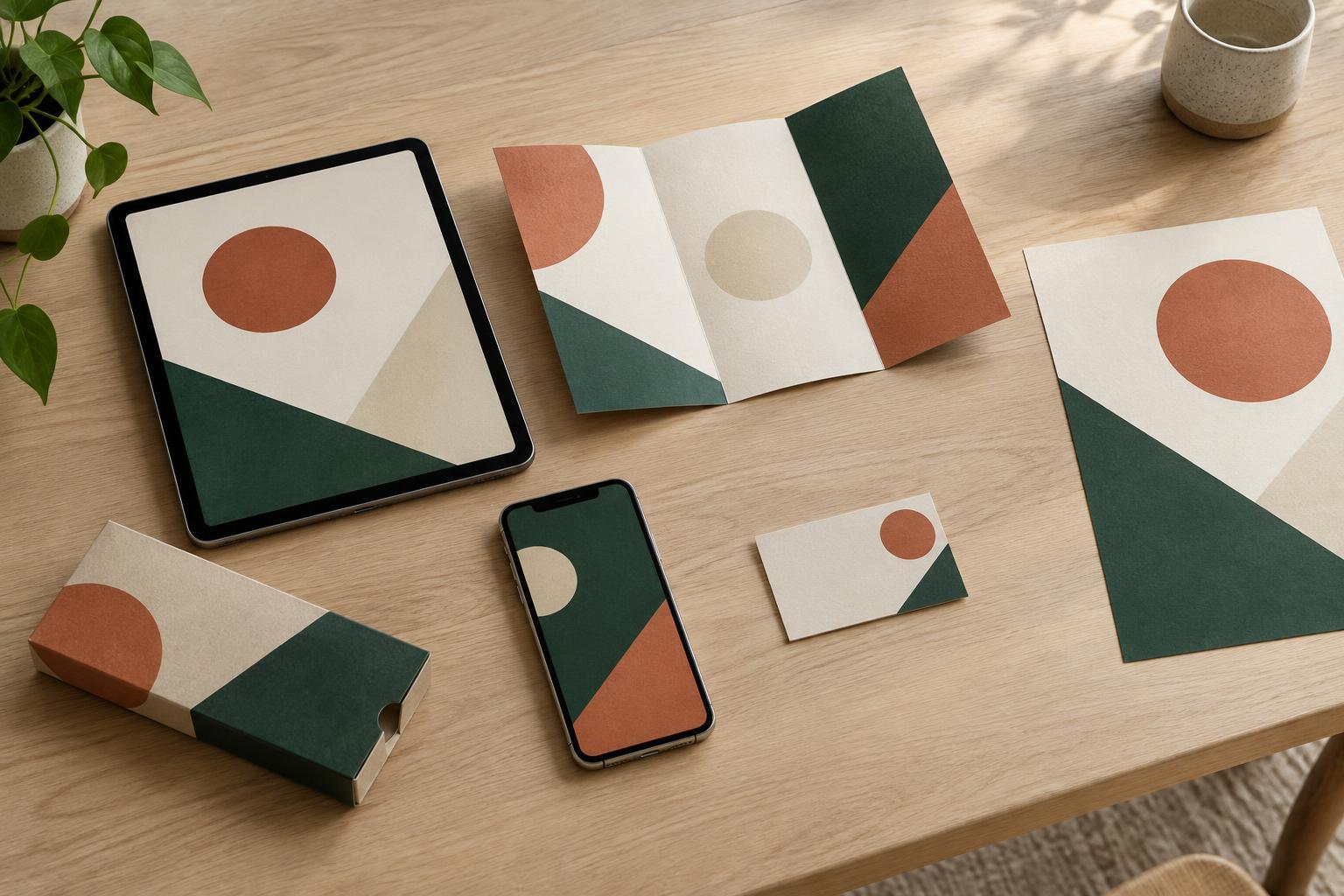
Place representative touchpoints side by side: a mobile page, a social post, a printed card and a label, for example. Look first for recognition. Do the color, typography, imagery and graphic details feel related? Then assess each piece on its own. Can someone read the important message? Is the logo clear? Does the layout suit its size and purpose? This two-part review catches both inconsistency and the opposite problem: a rigid system that makes some formats difficult to use.
Keep a record of decisions made during production, including approved color values for different uses, final artwork and any layout changes that solved a specific constraint. Update the identity guide when a useful pattern emerges. The goal is not to make every future design automatic. It is to give each new application a reliable starting point, so the brand can remain familiar while responding to the space in front of it.