Start with the questions a buyer would ask
A beautiful product image can attract attention without answering a basic question: how big is it? Before setting up a shoot, list what someone needs to know to understand the object. For a ceramic mug, that might include its height, handle opening, rim, and surface finish. For a notebook, it might be its footprint, thickness, page layout, and binding. This short list becomes a shot plan rather than a collection of improvised angles.
Choose one image to establish the whole product clearly. Show its complete outline with enough space around it that no edge is lost. A straight-on or gently angled view often communicates shape better than a dramatic perspective. If the product comes in several sizes or finishes, photograph each variation from the same position so differences are easier to compare.
Give scale a trustworthy reference
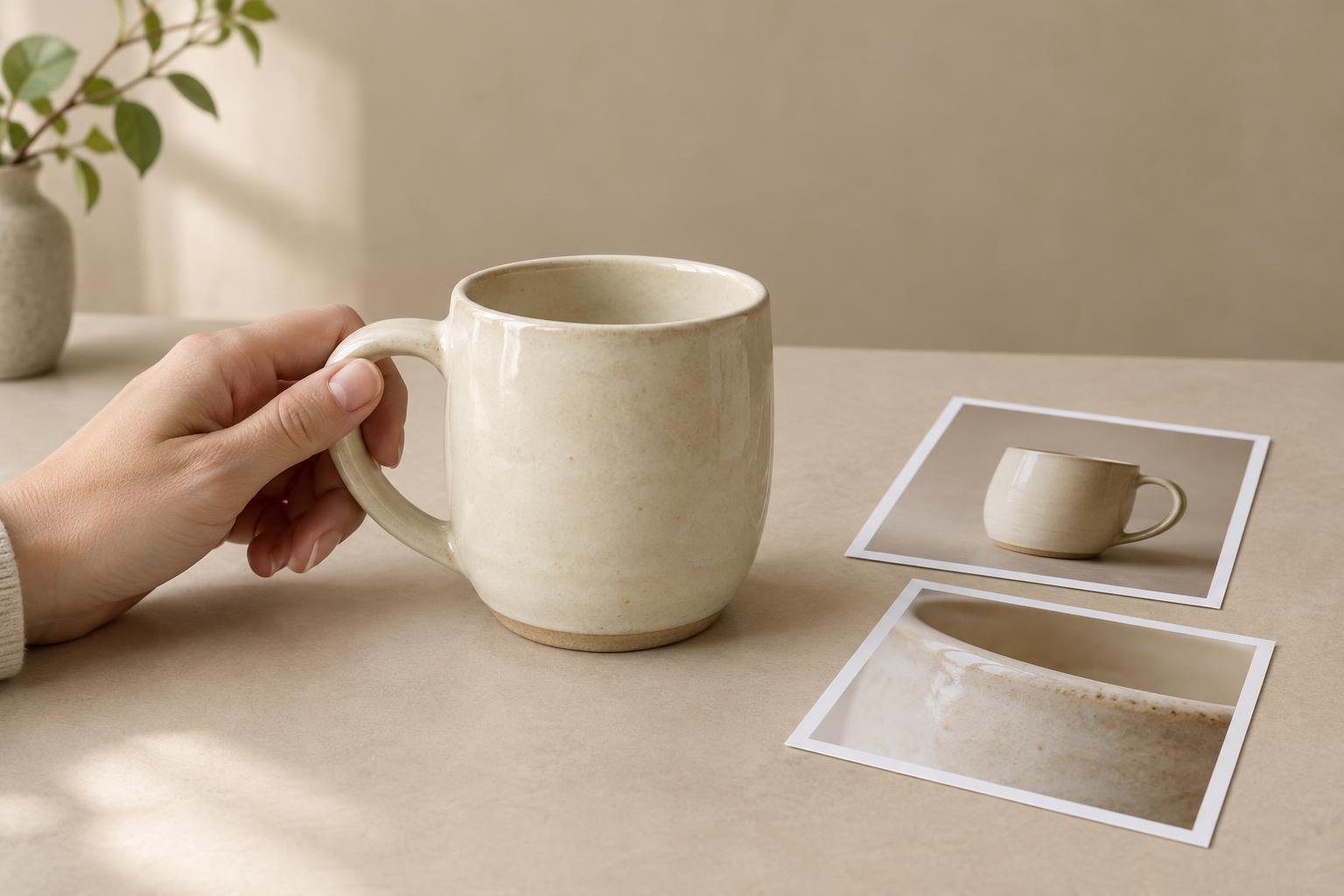
A familiar object or a human hand can make dimensions easier to picture. A hand holding a pouch, for example, shows how it sits in use; a notebook beside an ordinary pen gives a quick visual comparison. Pick a reference that suits the product and the audience. Keep it beside or in contact with the item, preferably at about the same distance from the camera. If one object sits much closer to a wide-angle lens, it may look disproportionately large.
A scale cue is helpful, but it is not a substitute for measurements. Hands vary, and familiar objects are not always a standard size. Include the product’s dimensions in its accompanying copy, and avoid letting props imply a size the measurements do not support. When exact fit matters, such as whether a case holds a particular device, show the relevant opening or compartment and state its usable dimensions.
Context can communicate scale too. A lamp on a desk shows its relationship to the work surface, while a bottle held during a pour shows how it handles. Keep the context simple enough that the product remains easy to identify. If a prop could be mistaken for part of the purchase, clarify that distinction in the caption or product description.
Use close-ups to answer specific questions
Detail shots work best when each one has a purpose. Photograph a clasp to show how it closes, a seam to show its construction, or a printed label to show its legibility. Move close enough to make the feature visible, but leave enough surrounding material to show where the detail belongs. An extreme crop of a texture may look appealing while giving little sense of the actual product.
Show details that could influence expectations, not just the most decorative features. Depending on the item, these might include the underside, interior, connectors, edges, or any deliberate variation in finish. For reflective or textured surfaces, adjust the light or camera angle so the feature reads clearly. Strong highlights can conceal a seam, while flat light can make a textured surface appear smooth.
Keep perspective, light, and color consistent
Perspective changes the apparent proportions of an object. Photographing very close with a wide-angle lens can make the nearest part look larger; shooting from farther away and cropping later may produce a more balanced view. Keep the camera level when straight sides need to look straight, and compare the image with the object before moving on. A useful product photo should describe the item, not accidentally reshape it.
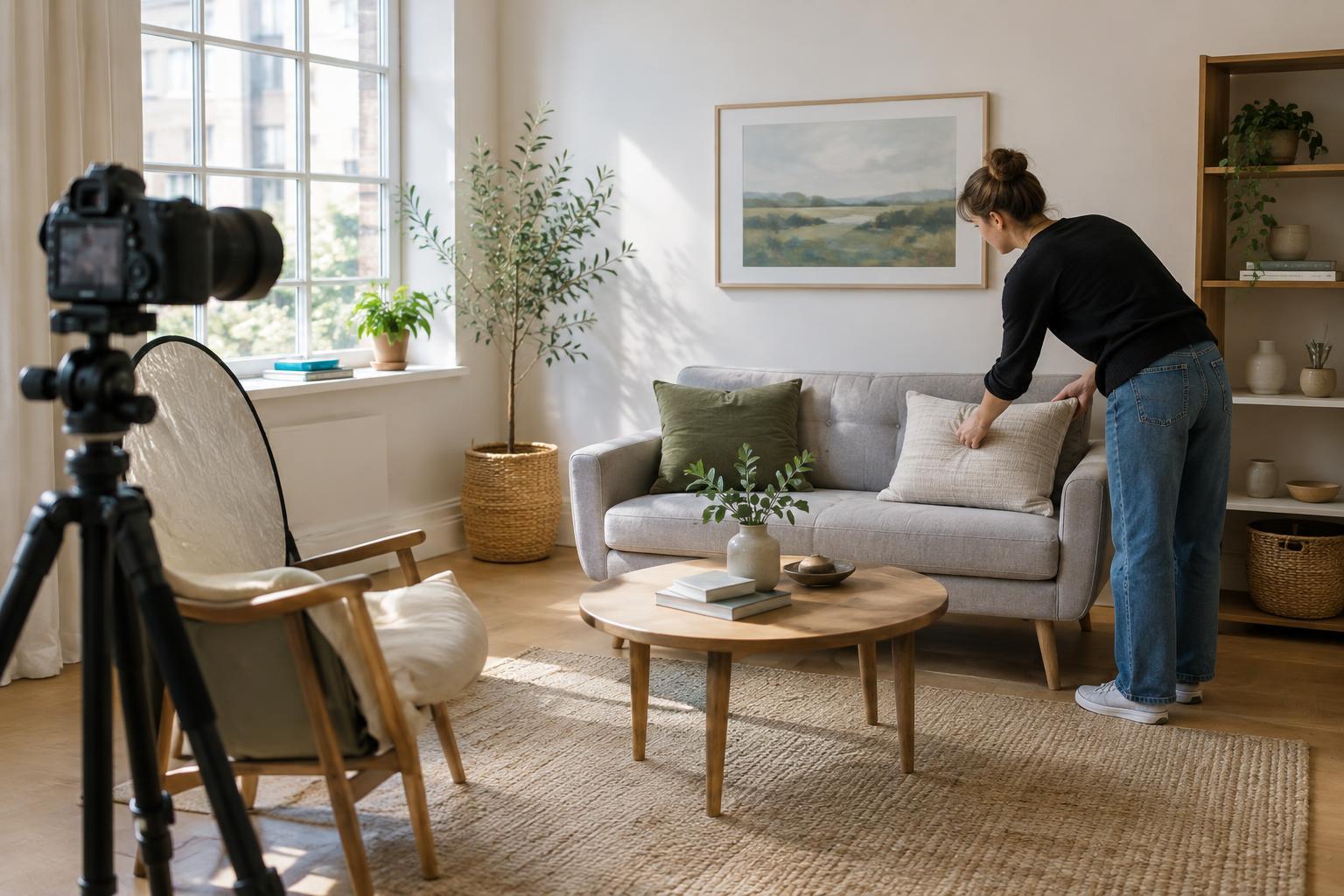
Soft, controlled light usually makes form and surface details easier to read. Check whether shadows hide an important feature, and use a white card or another simple reflector to open them if needed. Avoid mixing lights with noticeably different colors when accurate color matters. Editing can make a set feel consistent, but do not retouch away material qualities or alter a color beyond what you can reasonably represent.
Build a sequence someone can scan
Arrange the final images in a useful order: a clear overall view, a scale or in-use view, alternate sides, then the most important close-ups. This sequence moves from recognition to inspection. A product with a functional feature may need a short series showing its open and closed positions; an item sold in multiple sizes may benefit from a side-by-side comparison made with the camera and lighting unchanged.
Review the set at the size it will appear on a phone, not only on a large editing screen. Can someone still see the feature in each detail shot? Is there enough room to crop an image for different layouts without removing the scale cue? Finally, compare the photos with the physical item and the written dimensions. If the pictures and copy tell the same story, the images are doing more than decorating the page: they are helping someone make sense of the product.