Start with the decision your positioning needs to support
Brand positioning describes the place you want to occupy in a customer’s mind. Visual identity gives people cues that help them recognize and understand that place. The connection is not automatic: words such as “premium,” “friendly,” or “bold” can lead to many different designs. Before choosing a font or color, write down who the brand serves, what it offers, what makes its approach distinct, and what a customer should feel confident doing next.
Turn that statement into a short design brief. For example, an imaginary neighborhood bakery might position itself as a dependable stop for carefully made everyday bread, rather than a special-occasion destination. Its brief could call for warmth and craft without looking precious or expensive. That tension is useful. It tells the designer not only what to emphasize, but also which attractive ideas might send the wrong message.
Translate abstract words into observable cues
For each positioning word, list what a viewer could actually see. “Dependable” might suggest consistent spacing, legible labels, and a restrained set of colors. “Carefully made” might suggest close-up photography that shows texture and process. “Everyday” might favor straightforward language and packaging that is easy to read at a glance. These are possibilities, not universal rules; their value comes from how well they serve this particular brief.
It also helps to write a “not this” column. A bakery seeking an approachable everyday feel might avoid elaborate ornament, tiny type, or product photographs so stylized that the bread looks unfamiliar. This does not mean simple design is always better. It means every prominent choice should have a reason tied to the intended impression. When two concepts look equally polished, the brief gives you a basis for choosing between them.
Build a visual system, not a collection of preferences
Begin with typography because it carries both information and tone. Consider how a typeface reads at the sizes customers will encounter: on a storefront sign, a phone screen, a menu, or a small package label. A distinctive display face can add character, while a quieter supporting face can keep prices, ingredients, and instructions clear. Define a small type hierarchy so that the same kinds of information look related across materials.
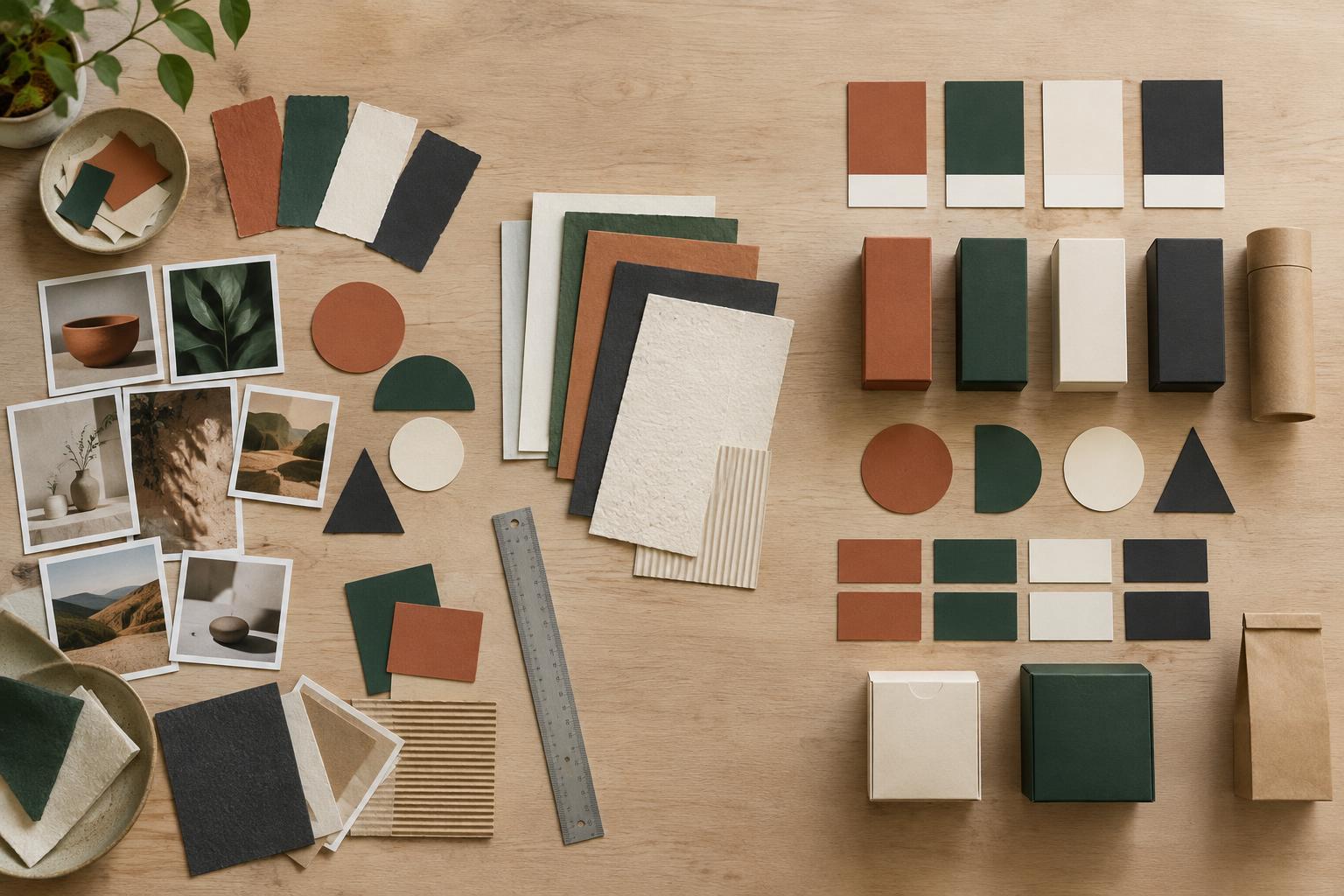
Choose color by its job rather than by a mood word alone. A palette needs enough contrast for important text, enough flexibility for different backgrounds, and a sensible role for each color. For the bakery example, a limited palette could make daily product labels easy to reproduce while leaving room for seasonal accents. Test printed samples when print matters: screen previews cannot show exactly how ink, paper, and finish will interact.
Imagery and layout complete the system. Decide whether photographs should show products in use, details of making, or both. Set practical rules for lighting, backgrounds, cropping, and how much space text needs beside an image. Then choose a layout rhythm: generous space might suggest calm confidence, while denser arrangements might convey energy and abundance. Neither is inherently more authentic. The stronger option is the one that repeatedly supports the position.
Test the identity where customers will meet it
A logo on a presentation page is only a starting point. Put the proposed identity into a few realistic applications: a social post, a sign viewed from a distance, a product label, and a simple promotional flyer. Use plausible copy and image placements rather than filling everything with placeholders. This reveals whether the system works when it must explain an offer, carry a price, or accommodate a long product name.
Review the applications with specific questions. What do you notice first? Can you tell what is being offered? Does the tone stay consistent when the format changes? Is any essential information hard to read? Ask reviewers to describe the impression they get before explaining the intended positioning. Their answers are not a vote on personal taste; they are clues about whether the visual cues are communicating what you meant.
Document the choices so they remain useful
A practical identity guide should explain decisions, not just display assets. Record type roles, color uses, image direction, spacing principles, and examples of layouts that work. Include common mistakes to avoid, such as placing text over a busy photograph or using an accent color for long passages. For a small team, a concise guide that people can follow is more valuable than an elaborate document that stays unopened.
Positioning may remain steady even as individual campaign ideas change. With a clear visual system, a new product launch can feel fresh without looking like it belongs to another business. Revisit the design when the audience, offer, or positioning changes—not simply because a different style catches your eye. The aim is a recognizable identity whose choices continue to make sense in everyday use.