Start with the job, not the artwork
The first mistake often happens before anyone opens a design file: the order describes a different product from the one you meant to make. A postcard, folded card and flyer may use similar artwork, but they need different dimensions and production instructions. Before requesting a quote, write down the finished size, quantity, number of printed sides, paper choice, finish and delivery requirements. If the piece folds or binds, specify how it should open and where each panel belongs.
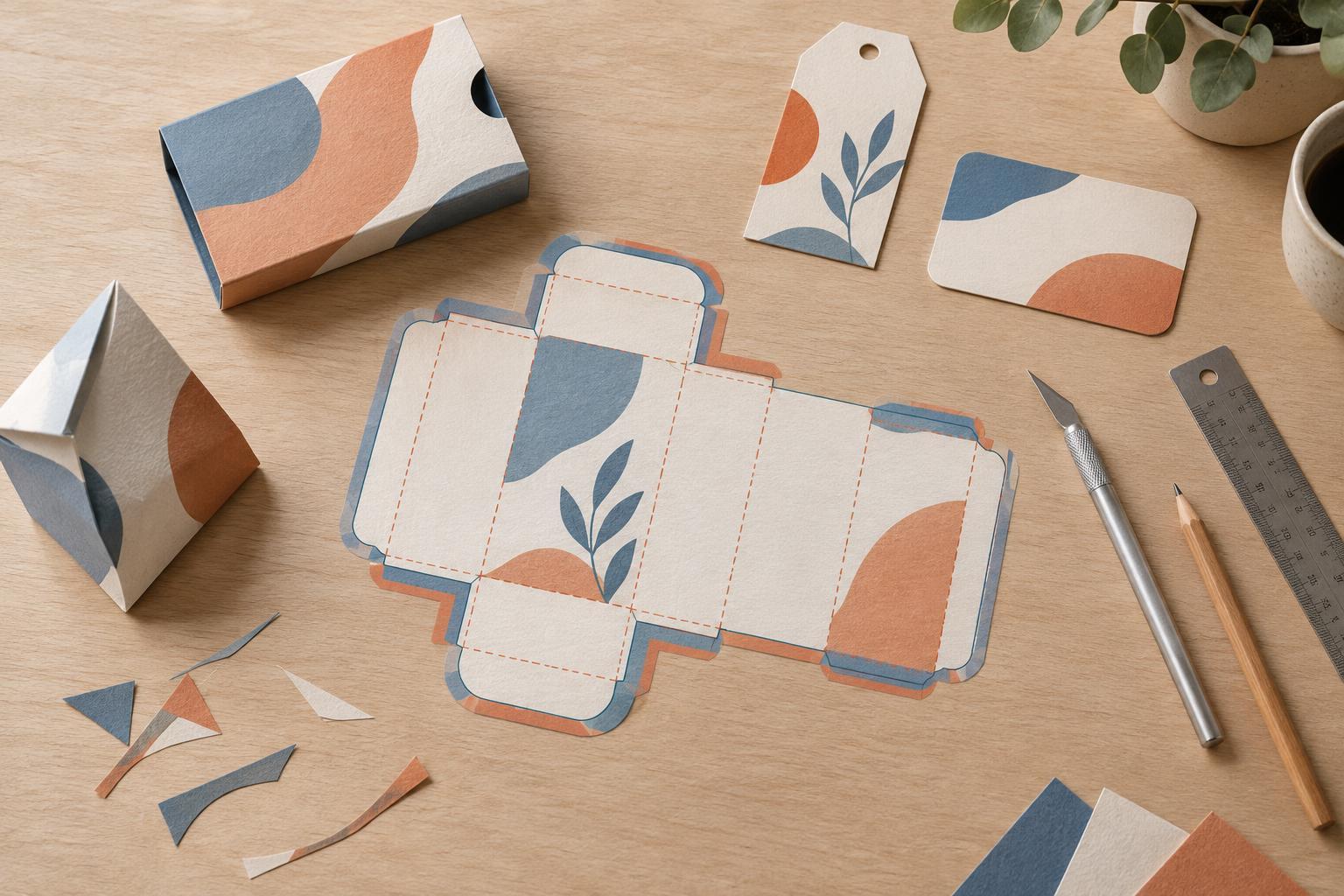
Be precise about what a dimension means. “A5 folded” could describe a sheet that folds down to A5 or a piece that starts at A5 and folds smaller. A simple paper mock-up, marked with the front, back and fold direction, can settle questions that a file name cannot. If you are reordering an earlier piece, check its specifications rather than assuming the new order will match.
Check the edges and the image quality
Artwork that looks complete on screen can leave a white sliver after trimming. If a background image or color should reach the edge, extend it beyond the finished trim line using the printer’s required bleed. Keep text, logos and other important details comfortably inside the trim line. The printer can tell you the bleed and safe-area measurements for the job; do not rely on a setting copied from an unrelated template.
Check images at the size they will actually print. A photograph that is sharp in a small layout preview may look soft when enlarged. Inspect the exported file at a useful magnification and ask for the printer’s preferred image specifications. Where practical, keep logos and small text as vector artwork so their edges remain clean. Also look for missing linked images, substituted fonts and text that has shifted between the working file and the final export.
Separate color expectations from color errors
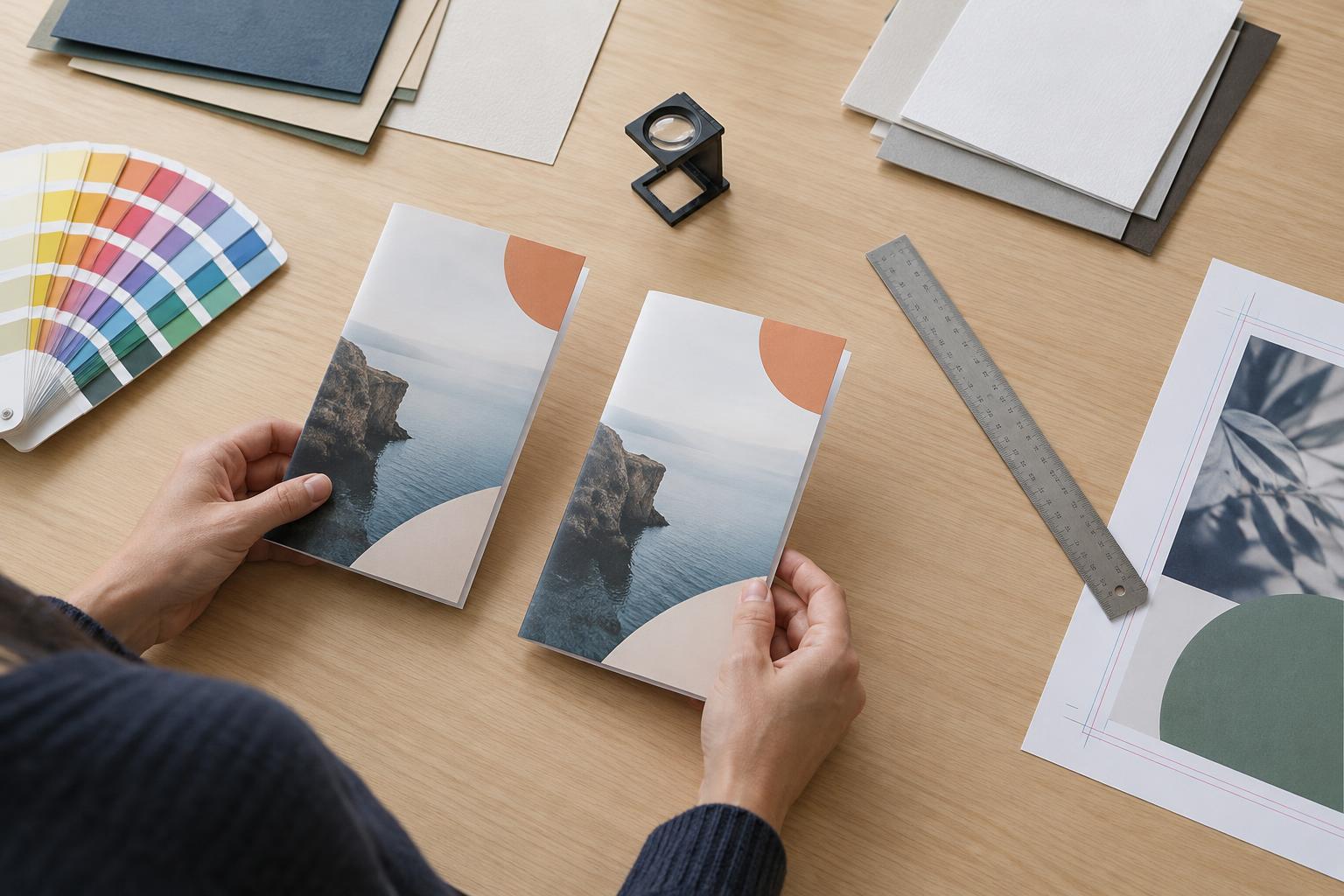
Screen color is not a reliable promise of printed color. Displays emit light; paper reflects it, and paper stock, ink and finish can change the appearance. A digital proof is valuable for checking content and placement, but it may not show exactly how the finished piece will look. If a particular color is important, tell the printer before approval and ask which proofing option is appropriate for that job.
Some color issues are easier to prevent with clear file preparation. Follow the printer’s requested color settings rather than converting files at random. Check whether small black text is set up according to their guidance, and avoid making fine type out of several overlaid ink colors unless the printer recommends it. On a folded or two-sided piece, confirm that colors and images continue across panels in the intended order.
Review finishing as part of the design
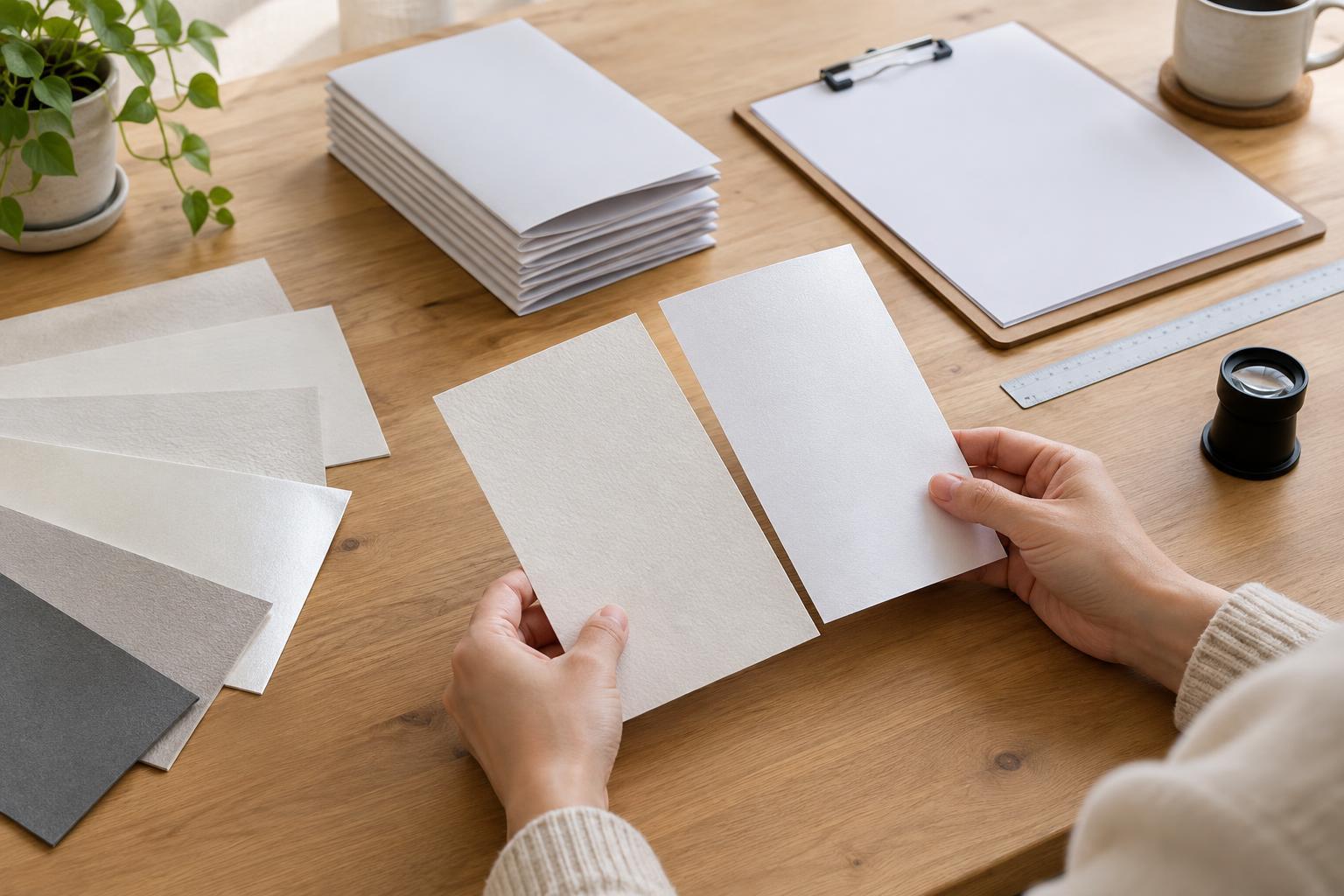
Paper and finishing choices affect more than appearance. A heavy stock may behave differently at a fold from a lighter one; an uncoated surface may be preferable when recipients need to write on the piece. Ask for samples if texture, stiffness or writing performance matters. For folded items, confirm whether scoring is needed. For bound items, check the printer’s requirements for page order, margins and any allowance near the spine.
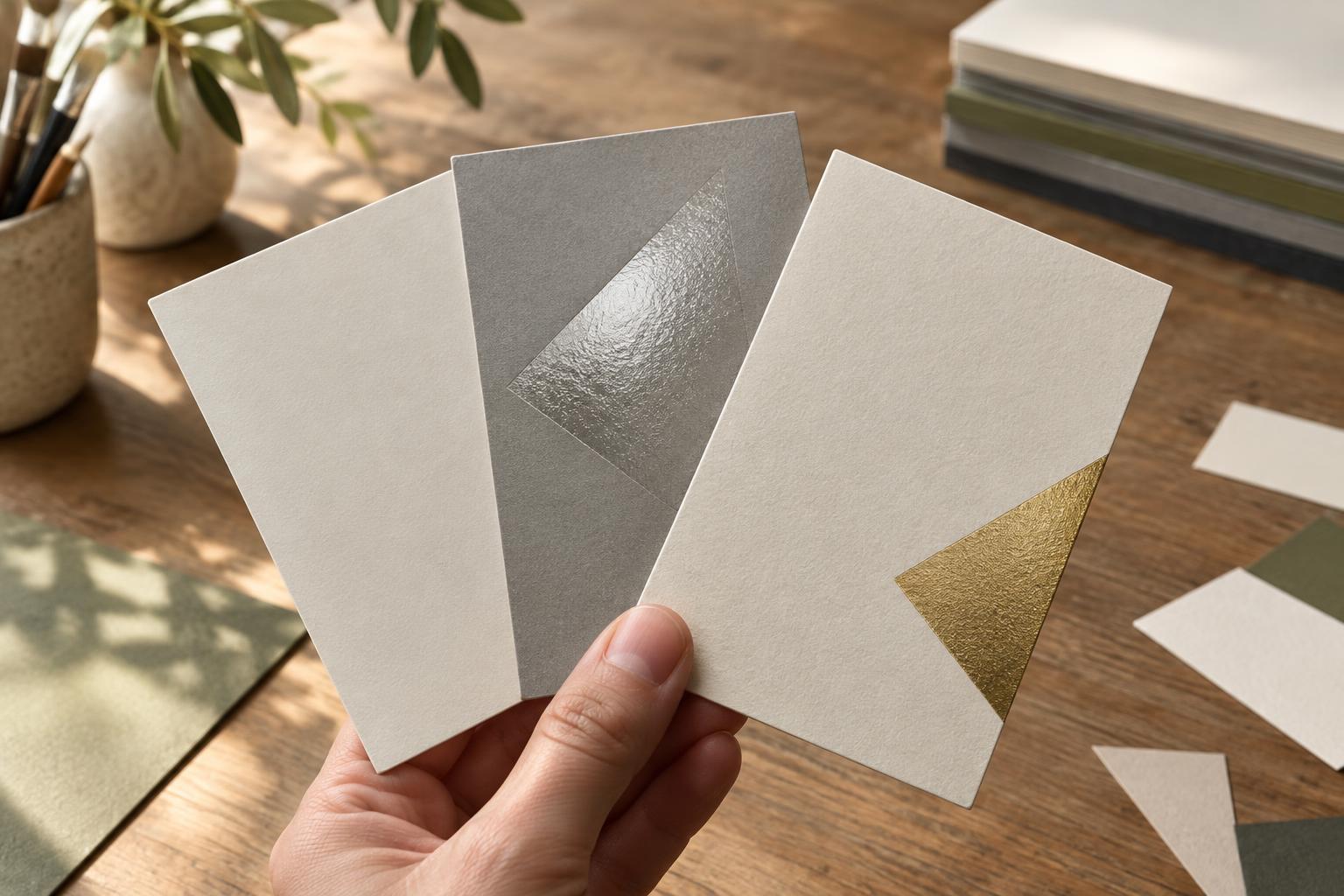
Do not leave special treatments to a note buried in an email. If a job uses a cut shape, spot finish, perforation or other production layer, ask how that feature should be shown in the artwork and on the order. Compare the quote, the submitted file and the proof: all three should describe the same piece. A correct design attached to an incorrect order is still an incorrect job.
Make approval a deliberate final check
The most avoidable mistake is approving the wrong version. Give the final file a distinct name, remove obsolete attachments from the handoff and identify exactly which file is approved. Open the exported PDF, not just the design document. Read every line of copy, including contact details, prices, calls to action and small-print information. Check the page count and orientation, then inspect both sides and every panel against your mock-up.
When a proof arrives, clarify what it is meant to verify. Review its content and layout even if it is not a color-accurate proof. If you request a change, make sure the revised proof reflects that change before approving it. A short written sign-off listing the file version, finished size, quantity, stock and finishing gives both you and the printer a clear reference. It takes less effort than discovering a mismatch after production has begun.