Start with the question, not the proof
A proof is a checkpoint between a design file and a finished print job. It may show a page on a screen, a printed simulation, or a sheet produced on the intended press. Those are different checkpoints, not interchangeable levels of reassurance. Before requesting one, ask what decision you need to make: Is the copy correct? Does the color feel right? Will a fold land where expected?
For a small business ordering a brochure, for example, the most expensive mistake might be an incorrect phone number. A careful digital proof can catch that. For packaging with a prominent brand color, a physical color check may matter more. A proof cannot verify a feature it does not reproduce, so identify your priorities and tell the printer which ones require approval.
Digital proofs: content, layout, and file readiness
A digital proof is usually a PDF or other on-screen view of the job. It is well suited to checking spelling, prices, contact details, image choices, page order, alignment, trim marks, and whether important content sits safely inside the trim. Review it at normal viewing size and zoom in to inspect small type, logos, and image edges. If the piece folds, confirm that panels appear in the correct order and orientation.
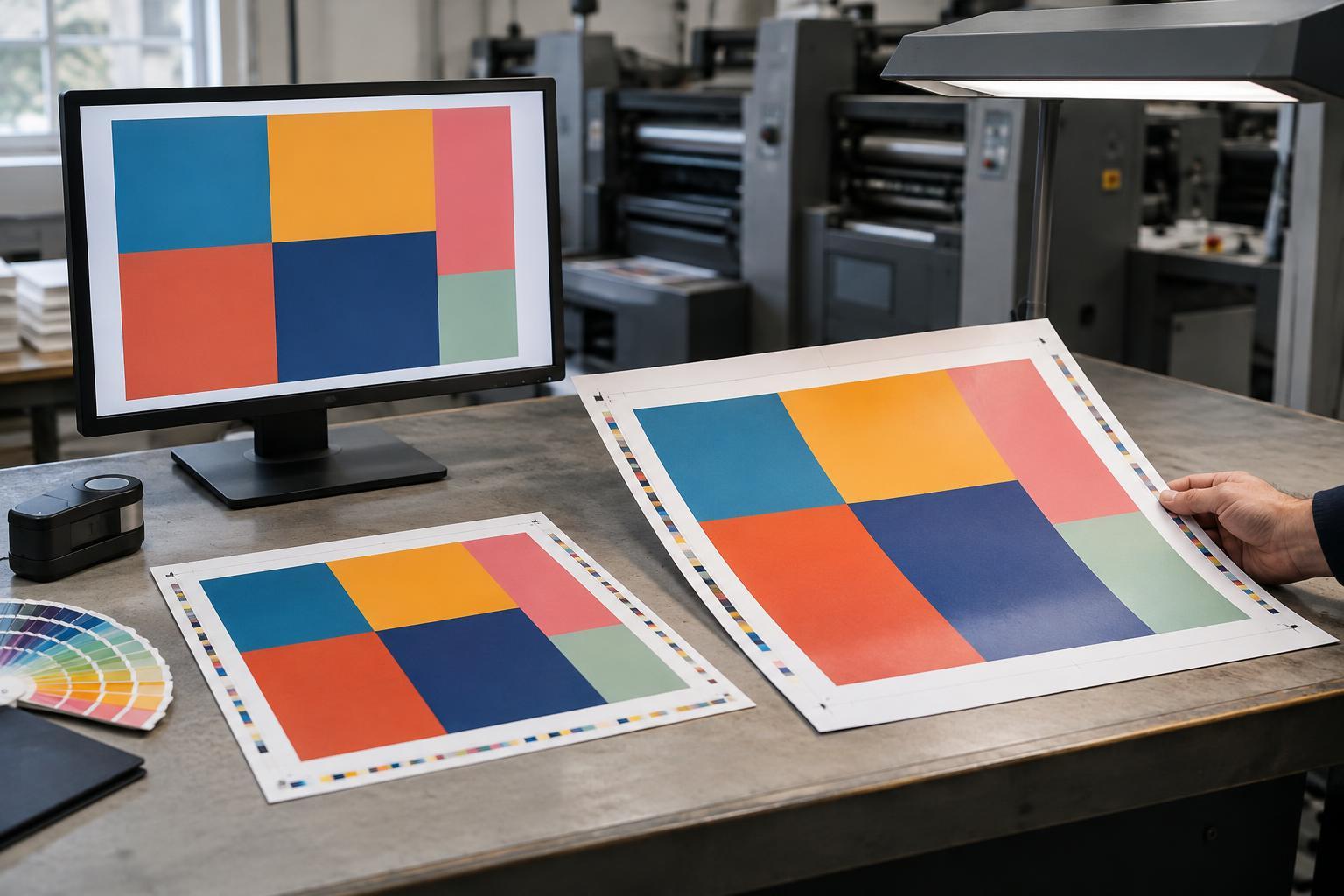
A digital proof is less reliable as a promise of printed color. Screens emit light, while ink on paper reflects it; display settings and room lighting also affect what you see. An on-screen image cannot tell you how a particular paper will feel or how a fold will behave. If the printer supplies a production-ready PDF, ask whether it has also been checked for issues such as missing fonts, low-resolution images, or inadequate bleed. A visually correct PDF and a technically ready file are related, but they are not the same check.
Hard proofs: a physical color reference
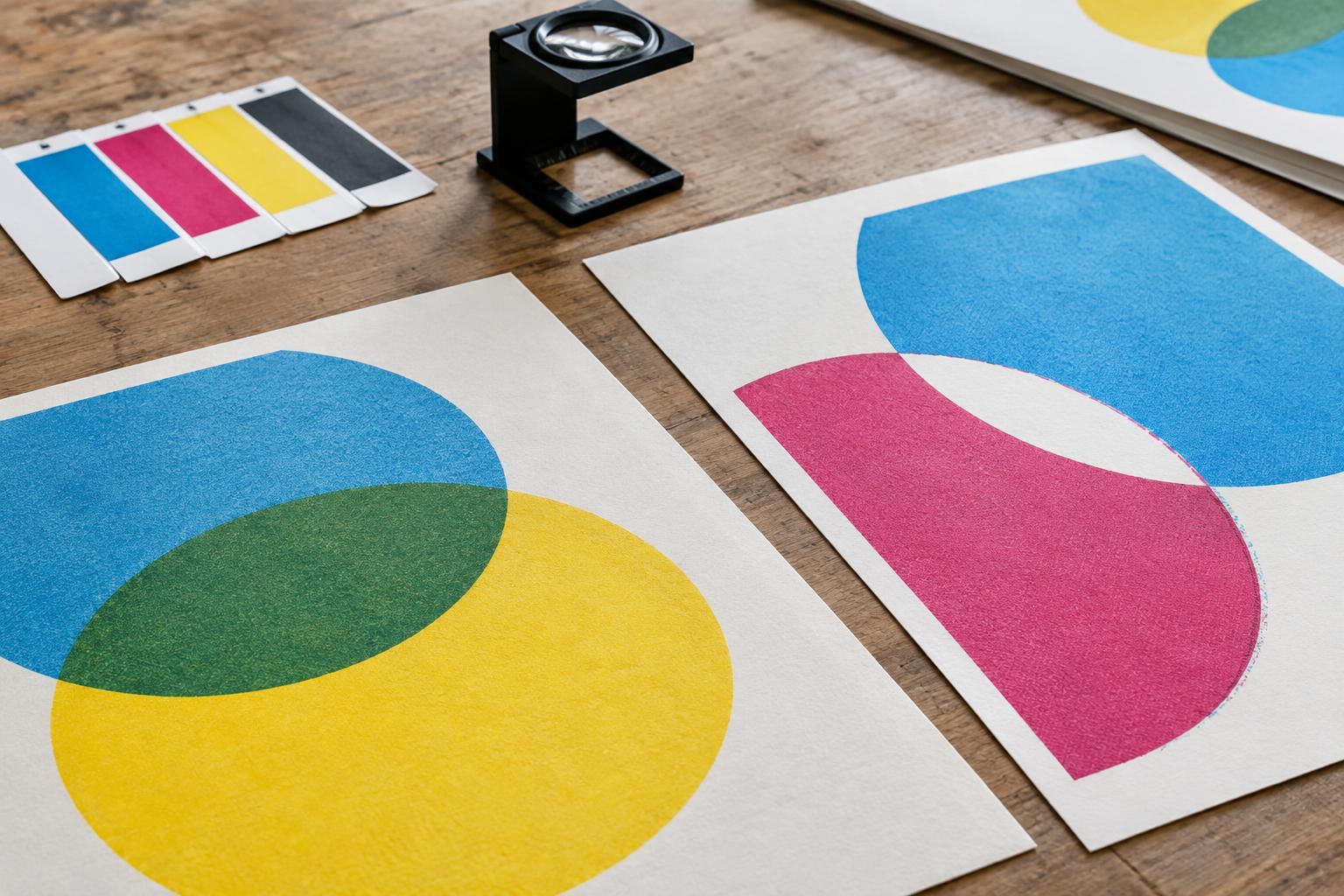
A hard proof is a printed sample made before the production run, often on a proofing device rather than the final press. When produced under a controlled color workflow, it can provide a useful physical reference for photographs, gradients, and overall color balance. You can compare areas side by side under consistent lighting and mark specific concerns, such as a shadow that looks too dark or a background that feels too warm.
Ask how the proof was made and what it is intended to represent. A hard proof on proofing paper may not match the texture, absorbency, or finish of the chosen production stock. It may also be unable to reproduce a metallic ink, fluorescent color, foil, varnish, or embossing. A color proof can help approve an appearance within its stated limits; it is not automatically a sample of the finished object. If paper choice is central to the design, request a stock sample or a separate physical mock-up as well.
Press proofs: checking the job on press
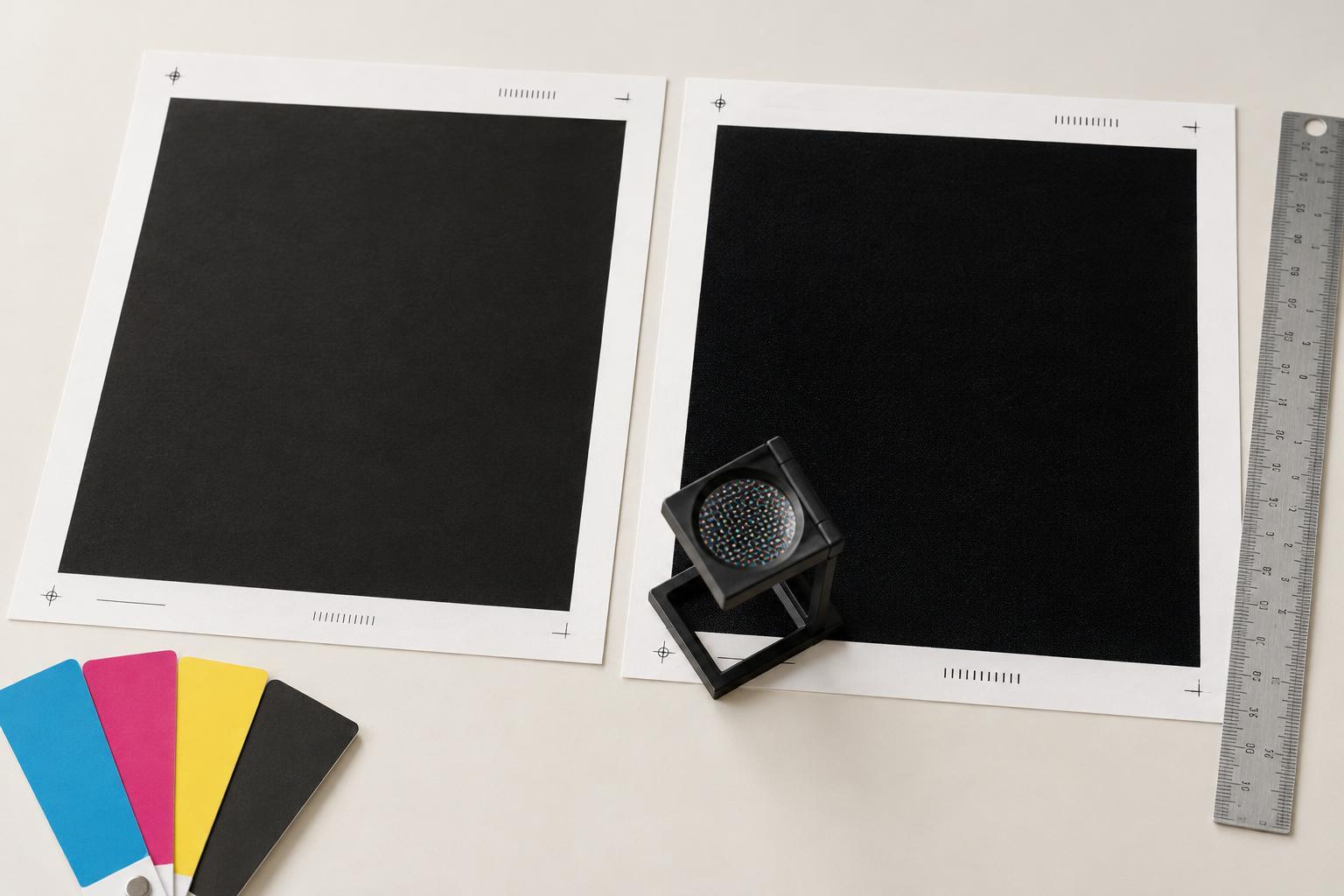
A press proof is taken from the intended press during setup, before the full run proceeds. It lets you judge ink on the selected stock under conditions closer to production. Depending on the job, you may be able to check solid colors, image contrast, registration, and details affected by the interaction of ink and paper. For a folded piece, confirm whether you will see only a flat press sheet or also a folded and trimmed sample; one does not verify everything the other can show.
A press proof takes press time and may add cost and scheduling constraints, so agree on the process before production begins. Find out who can approve it, how quickly they must respond, and which changes are still possible at that stage. Even an approved press sheet is a reference for the run, not a guarantee that every sheet will be identical. Finishing steps such as cutting, folding, binding, or coating may need their own checks.
Build a simple approval path
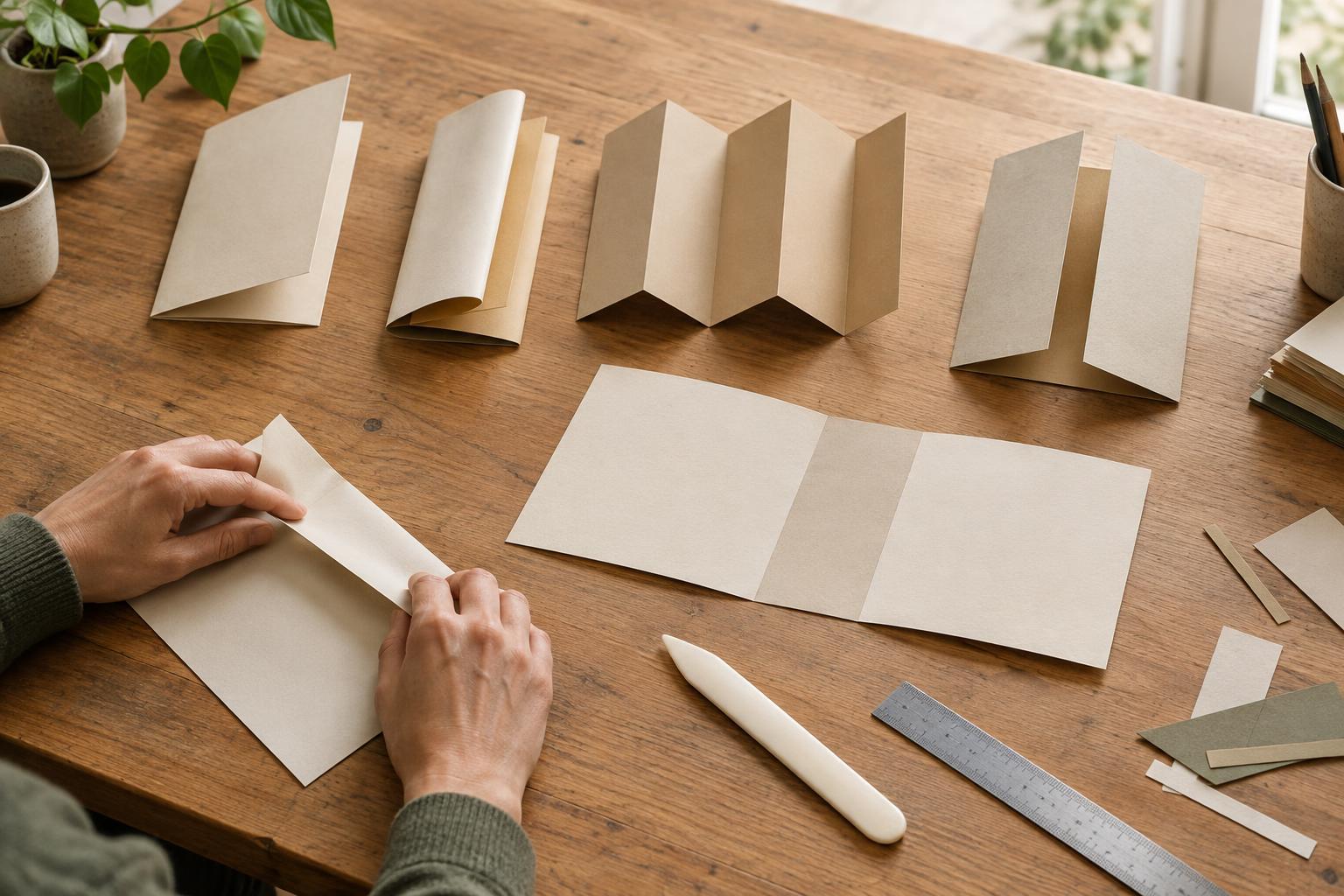
Match each proof to a clear task. First, have the person who owns the message approve copy, images, and layout on the digital proof. Next, use a hard proof if color relationships need a physical reference. Reserve a press proof for jobs where seeing the chosen stock and press conditions justifies the extra coordination. For any piece with an unusual fold, die cut, or assembly, make a mock-up to test how it works in someone’s hands.
Keep feedback specific: name the page or panel, describe the concern, and state whether you need a correction or an explanation. After a revision, check the changed area and anything it may have affected. Finally, record which version was approved and what the approval covers. That makes a proof a useful decision tool rather than a vague sign-off—and helps everyone distinguish what has been checked from what still needs attention.