Two ways to handle the same overlap
Imagine a cyan circle placed partly over a yellow rectangle on a poster. On screen, the circle may look solid cyan. On press, the result depends on a setting that is easy to miss: does the circle print over the yellow ink, or does it remove the yellow ink beneath it? That choice is the difference between overprint and knockout.
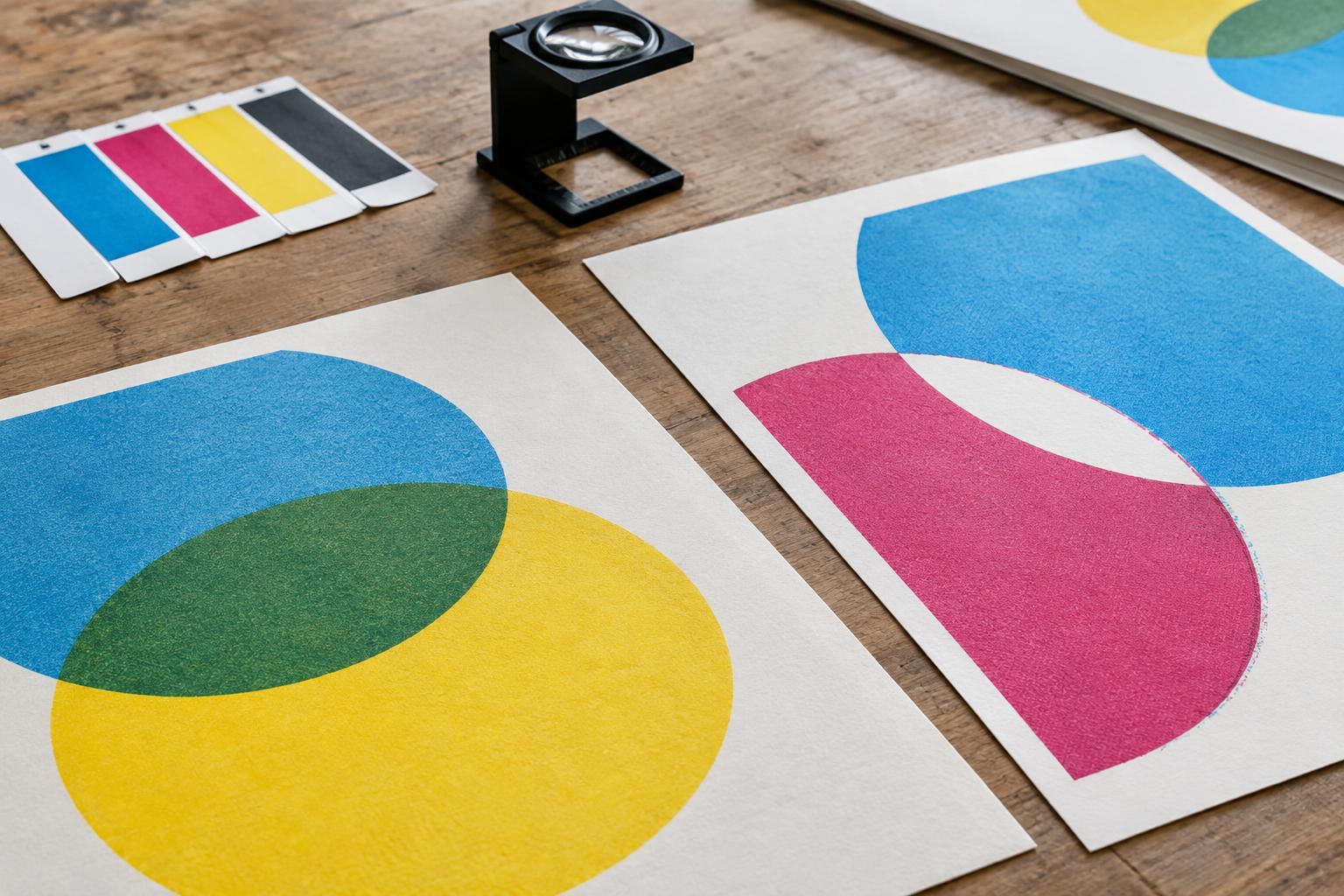
With overprint, both inks are printed where the shapes overlap. Depending on the inks, paper, and printing process, the shared area may look greenish rather than cyan. With knockout, the lower color is left out of the circle’s shape, so only the circle’s ink prints there. Knockout is usually the choice when the foreground object needs to keep its intended color. Overprint is useful when combining inks is deliberate or when a slight misalignment between colors would otherwise be noticeable.
Why overprinted colors can surprise you
Most process-color inks are not fully opaque. An overprinted object can therefore change appearance as the inks combine on the sheet. The result is not always as simple as mixing paint: ink density, printing order, paper color, and the particular spot or process inks all matter. A bright color placed over a dark one may become muddy or difficult to see. An overprinted logo can lose the contrast that made it legible in the original layout.
White deserves special attention. In a conventional print job on white paper, a white shape often means leaving the paper unprinted. If that shape is accidentally set to overprint, it may fail to remove the ink below and effectively disappear. Printing actual white ink is a different production choice, often used on colored or transparent materials. If your design needs white ink, identify it explicitly in the brief and confirm how its separation should be prepared.
Where knockout meets registration
Knockout preserves a foreground color, but it also creates an edge where one printed area stops and another begins. If the press colors do not line up perfectly, a thin sliver of unprinted paper may appear along that edge. This is especially noticeable where small type or fine lines are knocked out of a colored background. The design may look precise in a layout file yet be less forgiving once ink meets paper.
Trapping is one way printers manage this risk. It slightly extends one color beneath a neighboring color so a small shift is less likely to expose a white gap. The appropriate amount depends on the press, materials, and artwork, so it is better to discuss trapping with the printer than to expand every shape by eye. For a small black caption on a pale color, overprinting black may also help avoid a visible gap. But overprinting black on a busy or dark background can reduce its clarity; it is a decision to check, not a rule to apply everywhere.
A simple overlap test for your artwork
Before building a full campaign, make a small test area using the colors and details your design depends on. Place a colored shape over another color, add a line of small black text, and include any reversed-out white text. Ask what each element must do: should the two inks visibly combine, should the top shape retain its color, or should bare paper form the white letters? These questions turn a hidden production setting into a design decision.
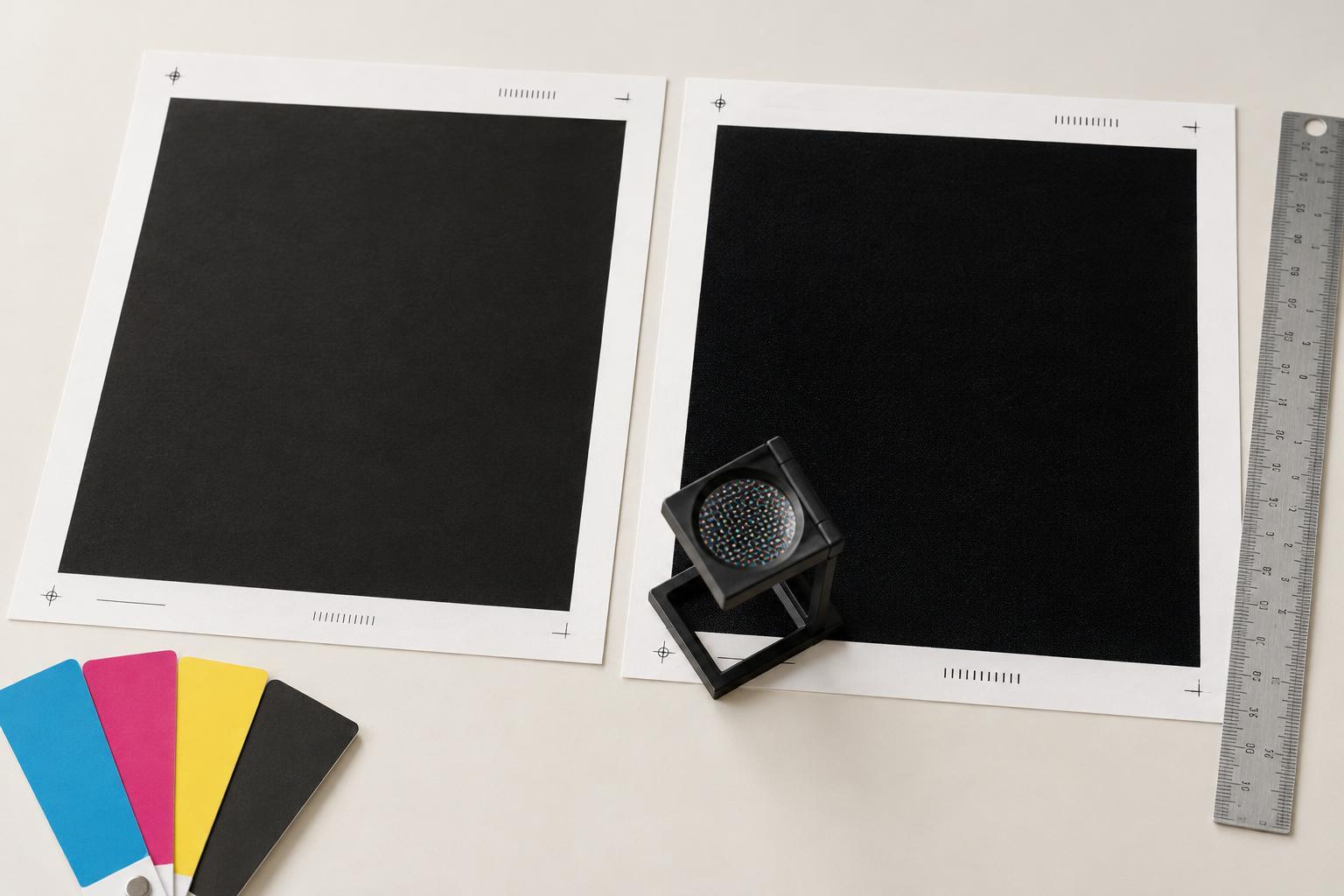
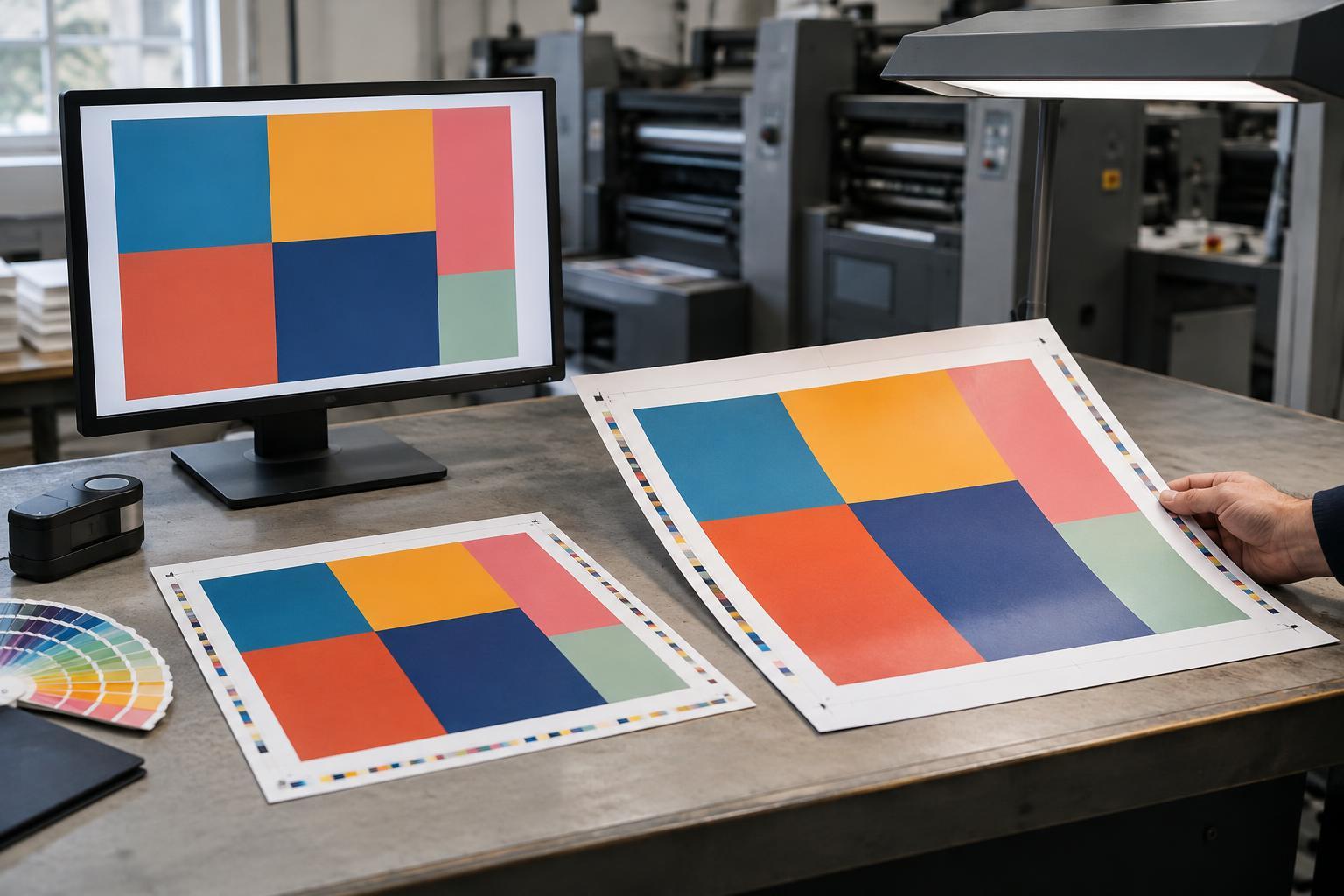
Then inspect the print-ready PDF with overprint preview and separation-view tools enabled. Check what prints on each ink separation, not just how the composite page looks. Pay particular attention to white objects, spot-color elements, fine rules, and black text. A normal screen view may not reveal an unwanted overprint setting. If a design relies on a specific color where inks overlap, request a suitable proof and ask the printer what that proof can and cannot predict about the final sheet.
Make the intended result clear to the printer
A useful handoff note does not need to list every object in the file. Identify the overlaps that matter: perhaps the cyan circle must remain cyan, the black legal line must stay readable, or a spot-color pattern is meant to darken where it crosses itself. State whether the job uses white ink or simply shows white paper. If the stock is colored, textured, or transparent, mention it, because the material can change how both ink and unprinted areas appear.
Overprint and knockout are not competing quality settings. They are two ways of describing what should happen when shapes occupy the same space. Choose based on the visual result you need, inspect the separations, and resolve uncertain details with the printer before production. That small check can protect the most important parts of a design: its color, contrast, and readability.