Start with the distinction that matters
Focal length is usually given in millimeters. On the same camera, a shorter focal length shows a wider view, while a longer one shows a narrower view. If you stand in one place and switch lenses, the longer lens makes the subject occupy more of the frame. Cropping the wider photo to match can produce a similar arrangement of near and far objects, though the cropped image may have fewer usable pixels.
The dramatic change people often attribute to focal length comes from moving the camera. To keep a face or product the same size in the frame with a wide lens, you move closer; with a longer lens, you move back. That change in distance alters perspective. Nearby parts become more prominent when the camera is close, while differences between near and far parts appear less pronounced from farther away. Separating these two effects helps you choose a setup deliberately rather than searching for a supposedly perfect lens.
What a close, wide view does
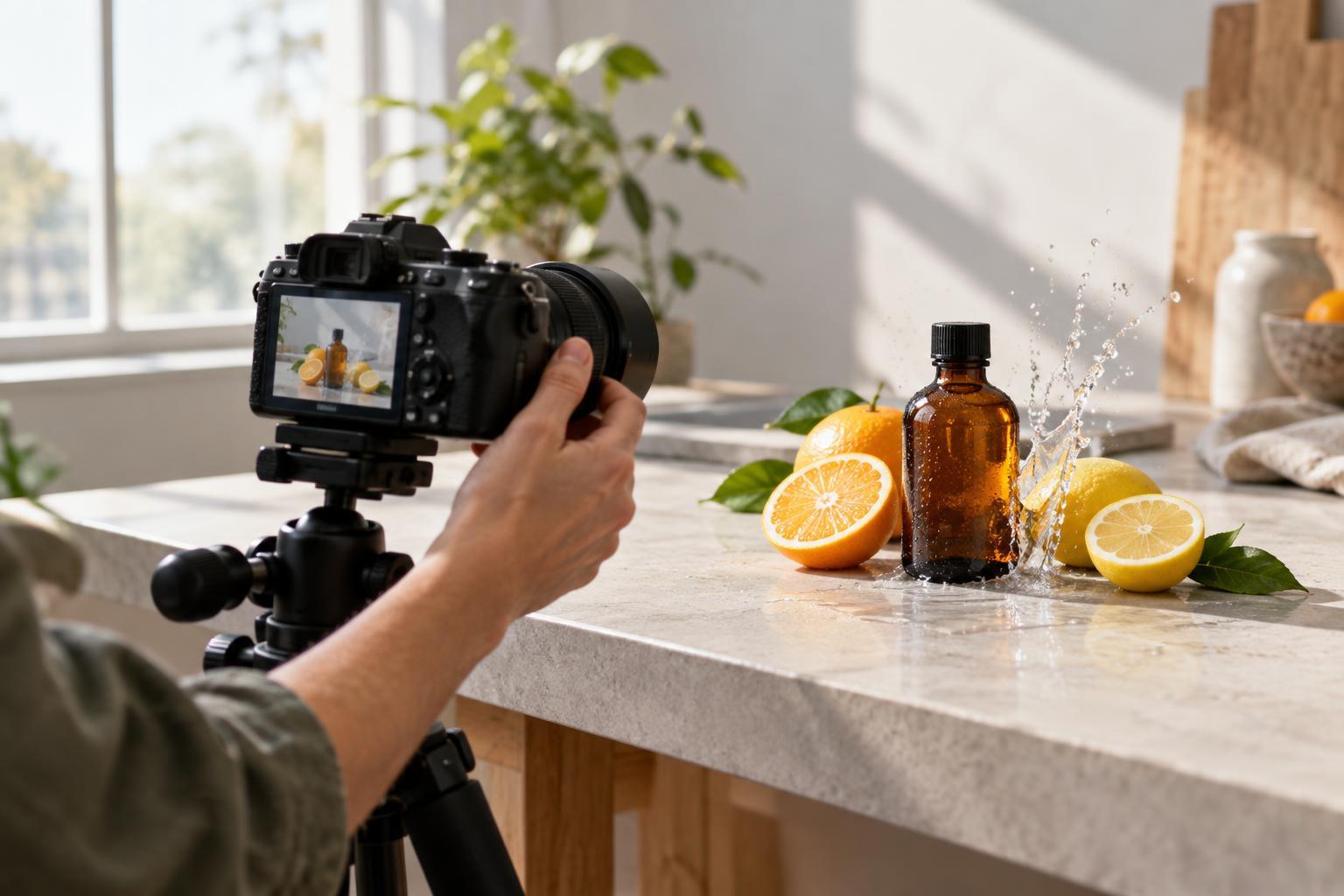
A short focal length can be useful when the surroundings are part of the message. Imagine a maker holding a ceramic mug at a workbench. From close up, a wide view can give the mug a strong foreground presence while still showing the maker, tools and workspace. It can feel active and immediate, especially for an image meant to introduce a process rather than document the mug alone.
That closeness needs care. A hand held toward the camera may look unusually large next to the person's head. The front rim of the mug may dominate its body, and a rectangular package photographed from a corner can appear more tapered than expected. Tilting the camera may also make upright edges seem to lean. These effects can serve an expressive campaign image, but they may be distracting in a catalog photograph where shape and proportions should be easy to judge.
What a more distant, narrow view does
With a longer focal length, you can step back and keep the subject prominent. For a portrait, this often makes the nose, ears and shoulders appear more balanced relative to one another than they would from very close range. For a product, it can reduce the apparent size difference between its front and back, making a box, bottle or piece of furniture look less exaggerated.
A narrow view also includes less of the background. This can simplify a busy studio or shop, but it does not remove the need to check what sits behind the subject. A sign or shelf may still cut awkwardly across a portrait. Background blur depends on several choices, including aperture, subject-to-background distance and framing; a longer lens does not guarantee a clean, soft background. You may also need more working room and a steadier camera position to use it comfortably.
Choose the viewpoint before the lens
For an important product image, first decide what the viewer needs to understand. A straight-on view can clarify a label; a modest angle can reveal depth; a close detail can show texture or finish. Place the camera where the object's proportions look appropriate for that purpose, then select a focal length that gives you the framing you need. If the camera position must change to fit the subject, inspect the proportions again rather than assuming the new image will match.
Apply the same process to people. For a conventional head-and-shoulders portrait, begin far enough away that facial features look natural to your eye, then frame the person with a suitable lens. For a playful image that emphasizes a gesture or an object in someone's hands, moving closer may be exactly the point. There is no universal portrait or product focal length: available space, camera sensor size and intended use all affect the practical choice. A lens marked with the same millimeters gives a different field of view on different sensor sizes.
Run a simple comparison before the shoot
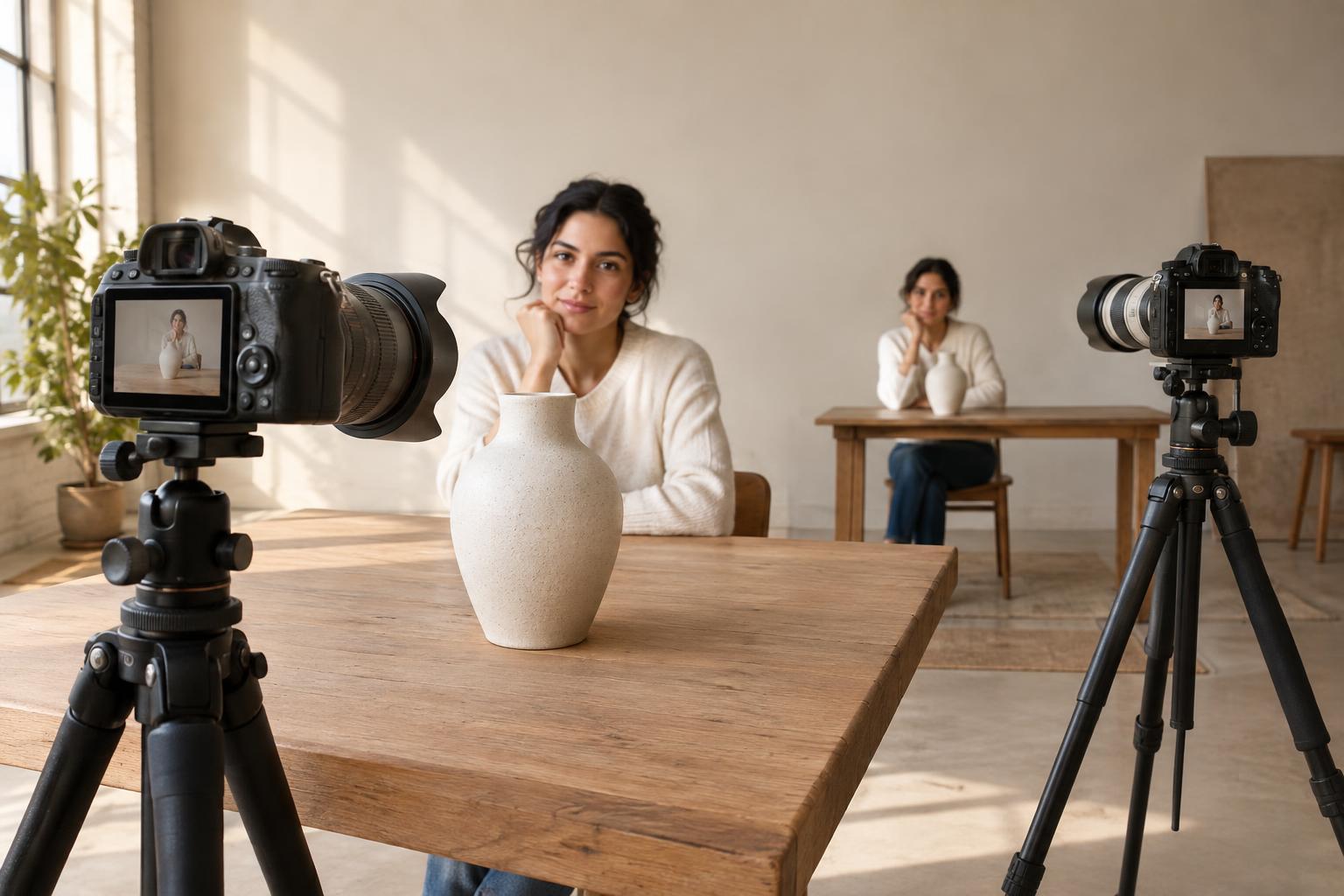
Make three test frames of the same subject. First, keep the camera fixed and change focal length so you can see the difference in framing. Next, move closer with the wider setting until the subject fills the frame as before. Finally, move farther back with the longer setting and match the subject's size again. Keep the subject's pose, camera height and lighting as consistent as you can. Compare the size of foreground features, visible sides, background coverage and overall mood.
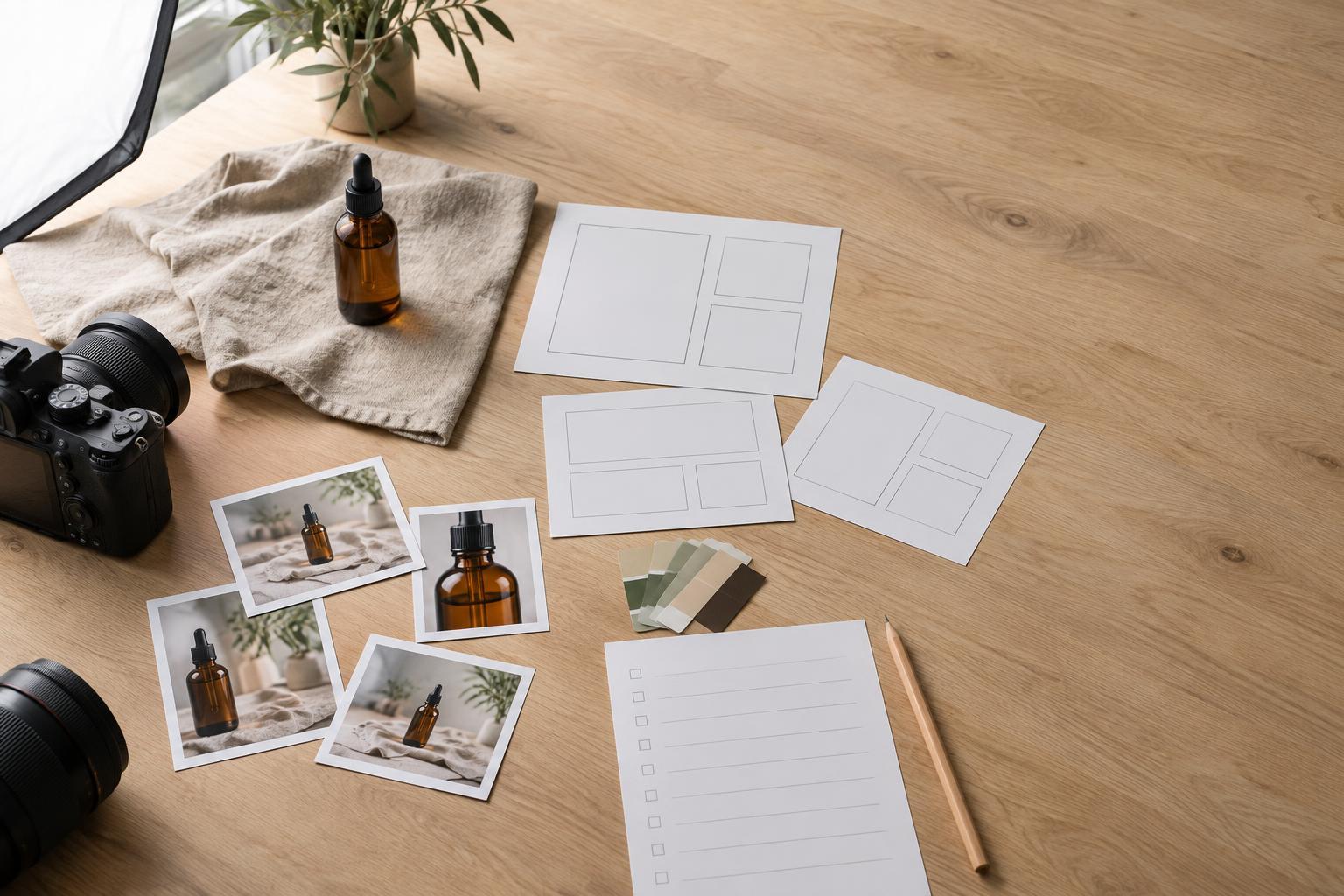
For a small business shoot, add a practical brief to that test: one clear image showing the product's shape, one contextual image showing how it is used, and one detail image showing a feature worth noticing. The same product may benefit from different camera positions across those three jobs. Let the communication goal guide the viewpoint, and let the lens help you make that viewpoint work.