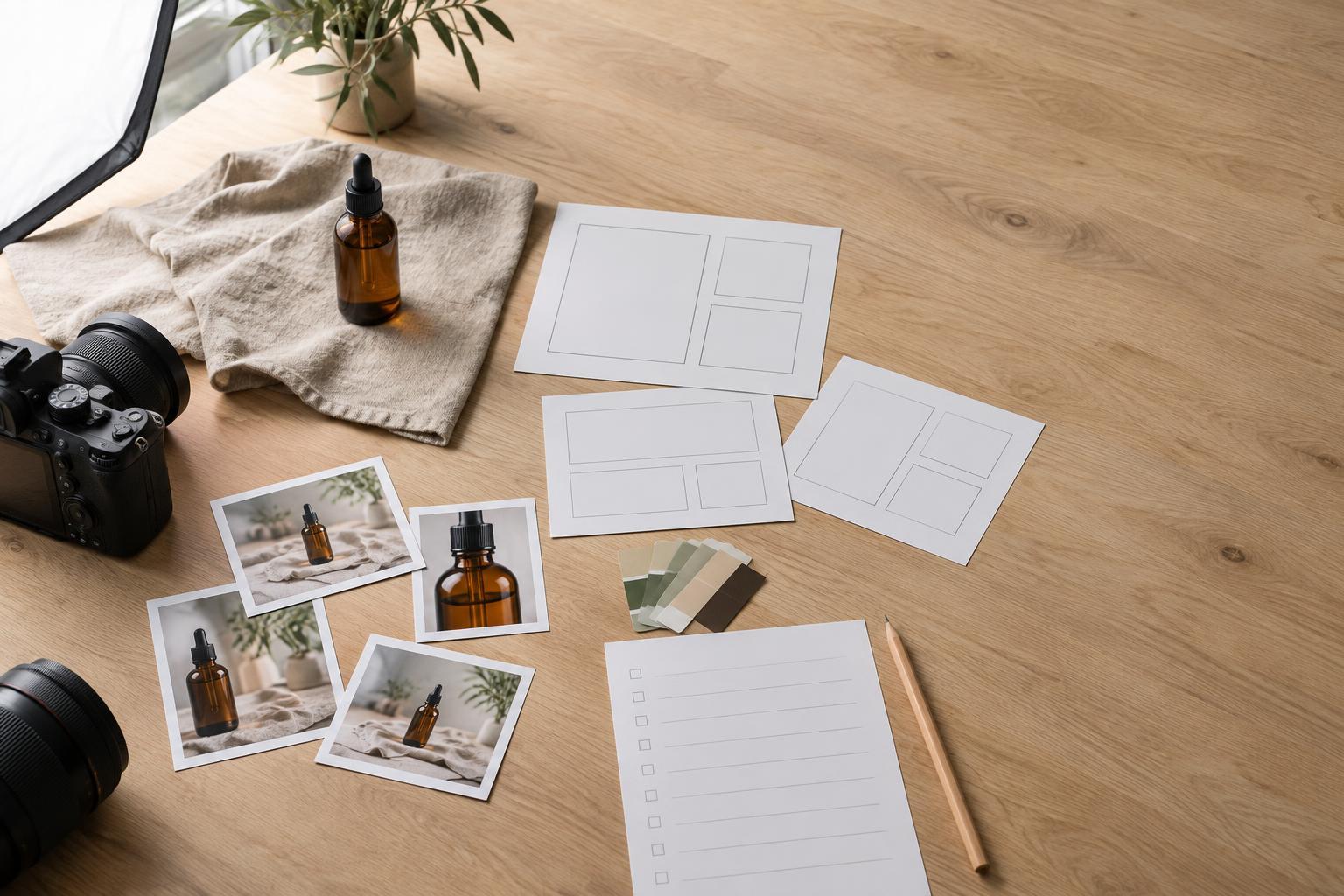
Start with placements, not pictures
A shot list is a plan for what a photographer needs to capture, but the most useful version starts one step earlier: where will the images appear? A photograph that looks strong on its own may fail as a website banner if the subject fills the entire frame and leaves no room for a headline. Before listing shots, gather the intended uses from everyone who will publish, design or print the work.
Make a simple inventory of placements: a wide homepage banner, square social posts, a vertical story, a product page, an email header or a printed card. For each one, note its approximate shape, whether words or graphics will sit over the image, and what a viewer should understand at a glance. Include any important limits, such as a product label that must remain readable. If final dimensions are not settled, record that uncertainty rather than guessing.
Separate essential uses from possible future uses. The essentials determine what must be captured on the day; future uses can guide a few flexible extras. This distinction keeps the list achievable while giving the photographer a reason to shoot wider frames or alternate orientations.
Turn each use into a clear image requirement
Translate the placement inventory into image requirements before choosing camera angles. Suppose a small bakery needs photographs of a new pastry. Its online product page may need one clean image that shows the whole item. A promotional banner may need the pastry positioned to one side, with uncluttered space for copy. A printed menu might need a tighter detail that shows texture. These are three jobs, even if they share the same subject.
For each requirement, write down the subject, the action or arrangement, the message and the intended use. Add the orientation and framing: wide, square-friendly or vertical, with a little extra room around the subject when cropping will be necessary. Note where negative space belongs. “Pastry on counter” leaves too much to interpretation; “whole pastry on a plain counter, framed wide with clear space on the left for a headline” gives the team something it can check.
Think beyond the main subject. Hands can show scale or process, packaging can identify the product, and a wider scene can establish context. Include those elements only when they serve a planned use. A shot list should explain why an image is needed, not become a collection of every attractive setup the team can imagine.
Build the list as a working checklist
Give each required shot its own row in a shared document or spreadsheet. Useful fields include shot name, priority, subject, setting, orientation, crop or copy-space needs, props, people involved and intended placements. Add a column for approval notes, such as who must confirm styling or whether a particular package version is required. Keep descriptions short enough to scan during the shoot.
Mark shots as must-have, useful or optional. Then group them by setup rather than by publishing channel. If several images use the same background and lighting, capture them together: the clean product view, the wide copy-space version and the detail. This reduces unnecessary changes while preserving the different compositions the final designs require.
A checkbox for “captured” is helpful, but it should not be the only check. Before moving on, confirm that the subject is in focus where it needs to be, key details are visible, and the framing offers enough room for the intended crop. When possible, review a test image at a size similar to its eventual placement. Small text on packaging, for example, may disappear when a photograph is reduced.
Plan for layouts, production and permissions
Share the list with the designer, copywriter and photographer before the shoot. A designer can flag areas that must stay visually quiet; a copywriter can identify which message needs space; and the photographer can suggest how to achieve several compositions efficiently. If an image will be printed, ask the production team what file requirements apply. Do not assume that an image suitable for a small digital post will also suit a large printed piece.
Check practical dependencies as well. Confirm that the right products, props and packaging will be available and in usable condition. Identify any people who will appear in the photographs, and arrange the permissions your project needs before shooting. If a location or recognizable artwork forms part of the scene, check whether it creates an approval requirement. Put these tasks beside the relevant shots so they are not lost in a separate conversation.
Leave room for options without losing the brief
A complete shot list is not a command to make every frame identical. Once the must-have compositions are secure, invite variations in angle, distance, gesture or background. Those options can help when a headline changes or a layout develops. Capture a few wider frames before moving close; a wider image can often support more crops, while a tight frame cannot restore what sits outside it.
Before wrapping, compare the captured images with the placement inventory, not just the shot names. Can the banner carry its headline? Is there a usable vertical composition? Does the product page have a clear primary view? Are essential details visible in the menu crop? This final review turns the shot list from a record of pictures taken into a check that every required use has a workable image.