Start with what the piece needs to do
The finished size is the dimension a reader holds after printing and trimming. Choose an initial size based on use: a card should be easy to keep, a menu should leave room for readable type, and a poster should work at its intended viewing distance. Folding, mailing, display space and the amount of content may also set practical limits. A smaller piece is not automatically a better choice if it makes the message cramped or requires an awkward fold.
Before polishing the layout, write a short production brief: finished width and height, quantity, number of sides, paper preference, folds, and any binding or special finish. If some details are flexible, say so. That gives a printer room to suggest a nearby size that uses its available sheets more efficiently without changing the purpose of the piece.
Think in sheets, not just individual pieces
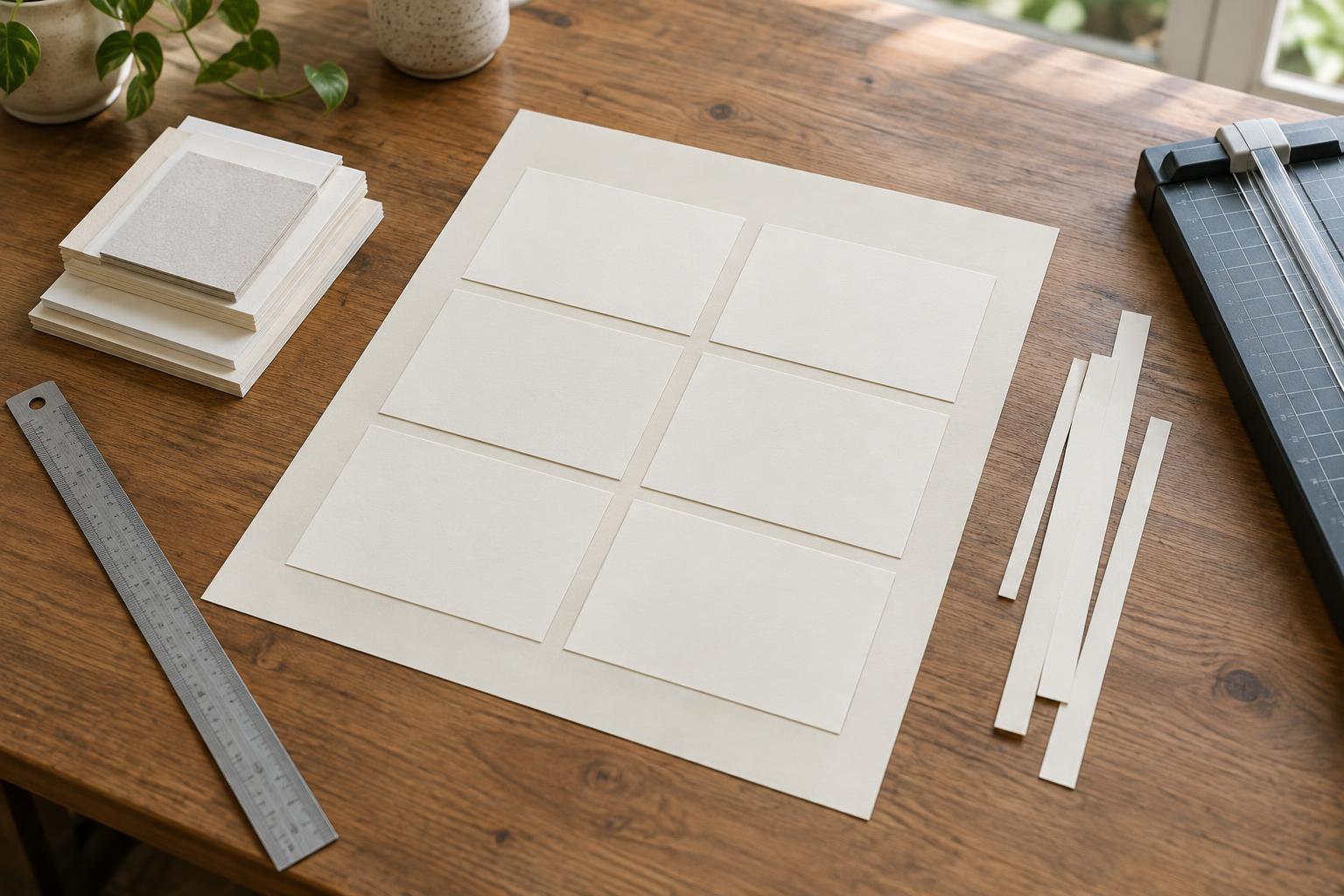
Printers usually place several copies of a design on a larger sheet, an arrangement called an imposition. The number that fits affects how many sheets are needed. A small change in finished width or height can sometimes allow another row or column; in other cases, it makes no difference at all. Paper waste depends on that layout, not simply on whether the finished piece looks close to a familiar size.
Try a rough comparison before committing. Draw the usable area of a proposed sheet, then test how your piece fits in both orientations. Count complete pieces rather than dividing sheet area by piece area: leftover strips may be too narrow to use. Treat this as an early check, not a press-ready plan. The printer’s sheet choice and equipment will determine the actual layout.
Allow room for bleed and production edges
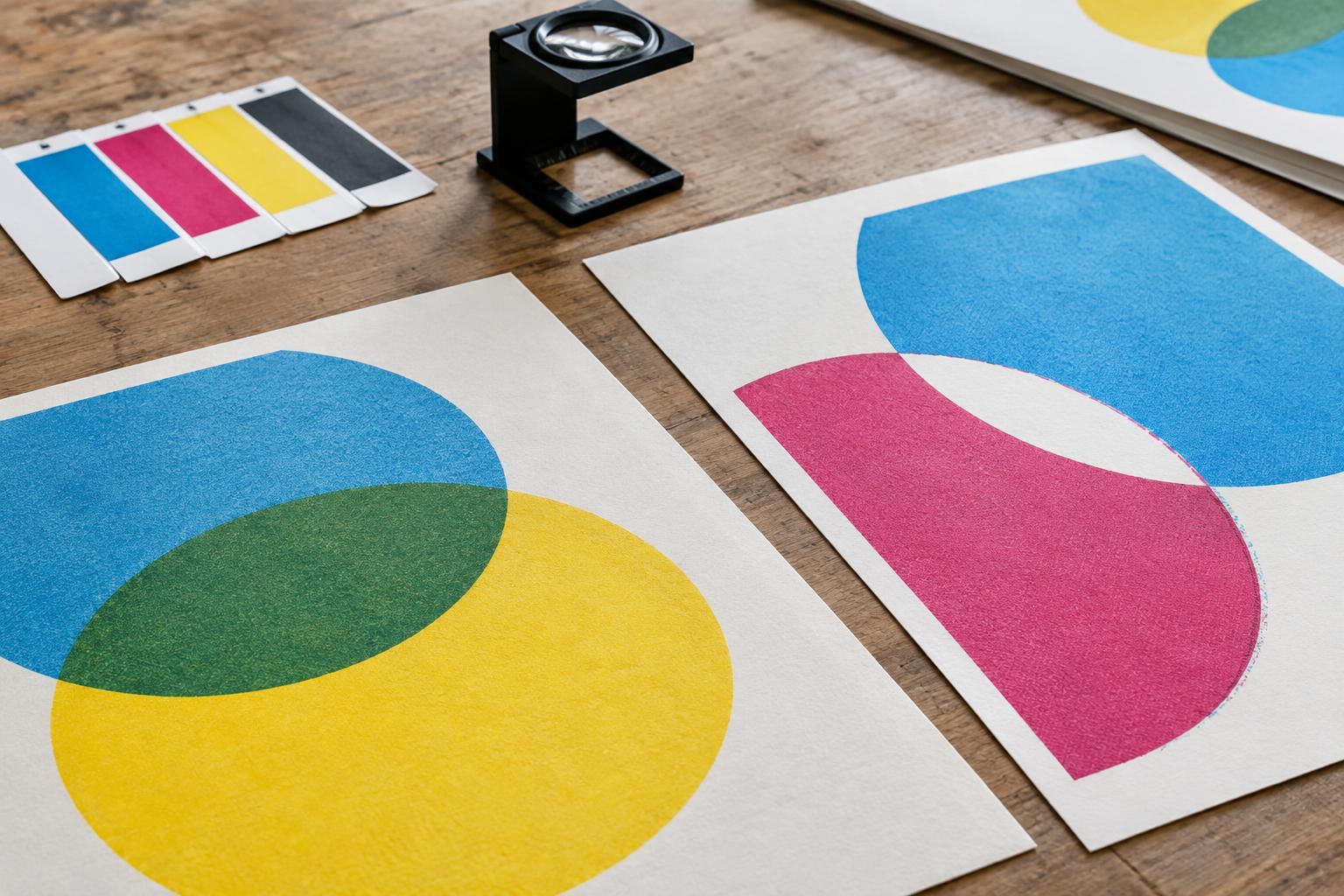
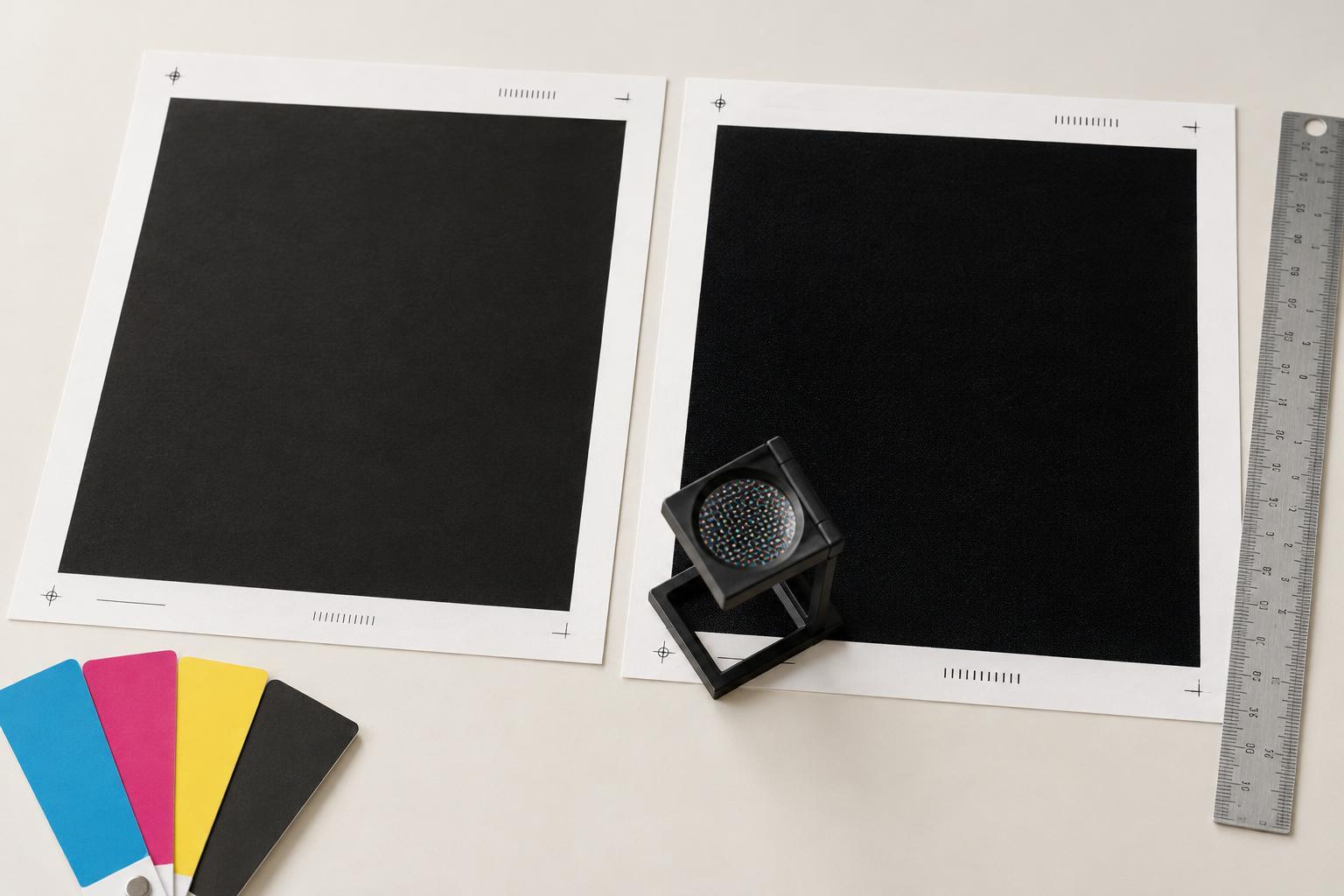
A design with colour or photography running to the edge needs bleed: artwork that extends beyond the trim line so minor cutting variation does not leave a white sliver. Pieces may also need space between them for cutting, plus sheet edges reserved for press handling and registration. As a result, four finished pieces that appear to fit tightly in a sketch may not fit once production allowances are included.
Ask the printer for the required bleed, safe area and any other layout allowances before setting final artwork. Keep essential text and logos inside the safe area, away from the cut. When comparing two finished sizes, apply the same production requirements to both; otherwise, the apparently more efficient option may only look better because its bleed or cutting space has been left out.
Check folds, grain and finishing before downsizing
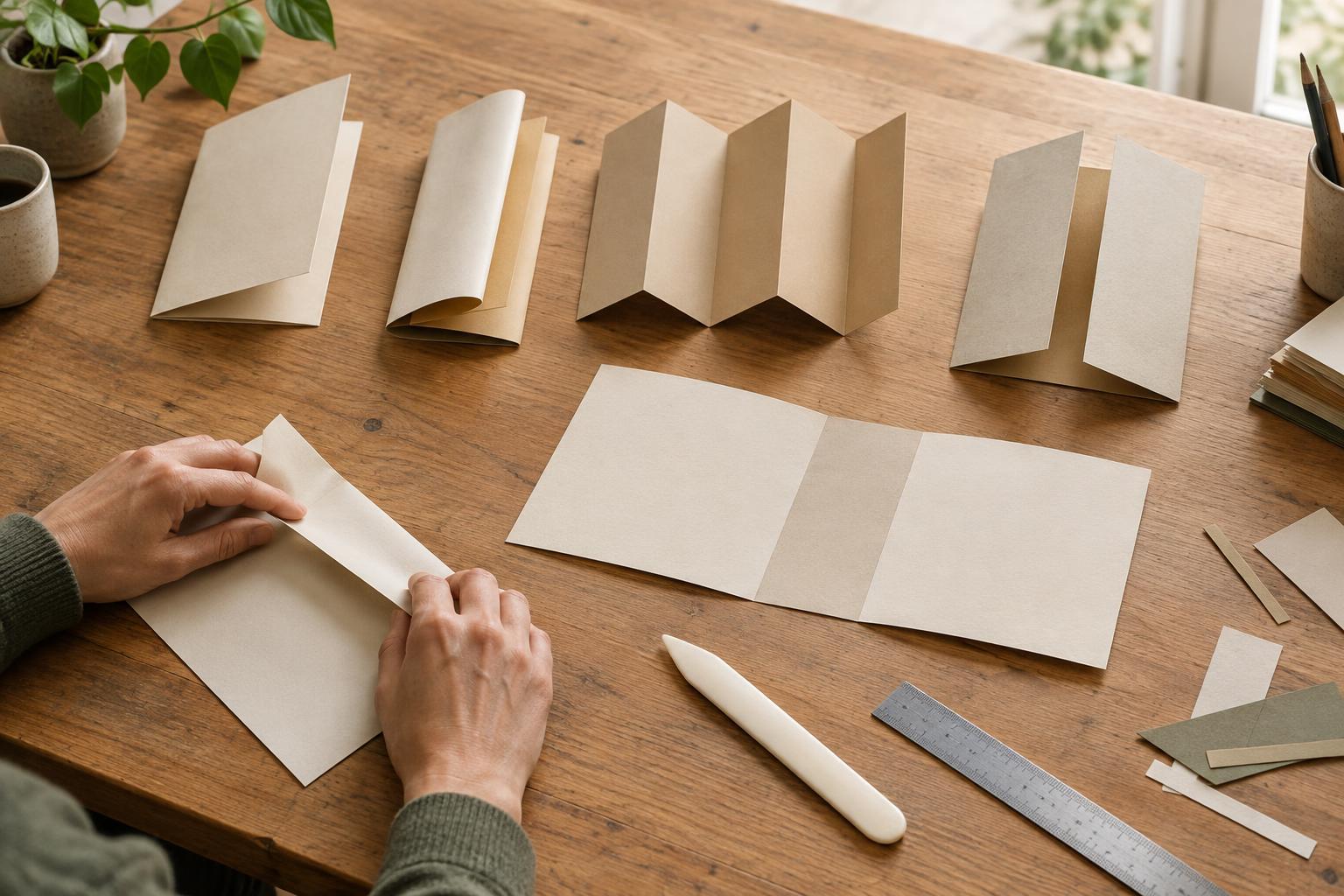
Paper has a grain direction that can matter when a piece is folded, particularly on heavier stocks. A size that nests neatly on a sheet might place the fold in an unsuitable direction. Binding, scoring, die-cutting and lamination can introduce further constraints. A layout that saves paper but needs an extra operation may not be the better production choice.
Consider the opened-out size of a folded piece, not only its closed size. A leaflet that finishes as a compact rectangle may begin as a much larger flat sheet, with panel widths adjusted for the fold. Share a simple mock-up with the printer showing which edge opens and where the fold lines belong. This helps them assess sheet use alongside the way the finished piece will handle.
Compare options using a small, clear request
When a size is still flexible, ask for two or three options rather than requesting the cheapest possible print. For example, give the printer your preferred finished dimensions and an acceptable range, then ask whether a nearby size would reduce offcuts on the chosen stock. Request that each option use the same quantity, paper, colour setup and finishing requirements so the comparison is meaningful.
Judge the options by more than the amount of paper left over. Check whether the copy still fits comfortably, images retain their intended impact, folds work as planned and the piece is convenient to use. Paper waste is a useful design constraint, but it belongs alongside clarity and function. Once a size is agreed, record the finished dimensions and production specifications in the brief so everyone builds and checks the artwork against the same target.