Begin with the message, not the camera
A photograph intended for advertising has two jobs: show the product clearly and make room for the message around it. Before arranging a scene, write down the text the image may need to carry. A short headline needs less room than a headline, price, and button. Even if the wording is not final, rough blocks of placeholder text will reveal how much space the design needs.
Decide which element should be noticed first. For a new product, the item itself may lead, with a small line of copy beside it. For a promotional offer, the headline may need equal weight. This choice helps you place the product deliberately rather than pushing it to the edge at the last minute. Sketch a simple rectangle and mark a product zone and a text zone before you shoot.
Make negative space useful
Negative space is the area around the main subject, but it does not have to be blank. A tabletop, painted wall, sheet of paper, or softly lit fabric can provide visual interest while remaining calm enough for readable type. The key is consistency: text is easier to place over an area with fairly even color, brightness, and texture. Busy props, strong patterns, and sharp shadows can compete with individual letters.
Try positioning a jar on the right third of the frame and leaving the left side as a quiet stretch of background. If the jar casts a shadow to the left, however, that space may no longer be suitable for copy. Move the light or rotate the setup until the shadow supports the composition instead of crossing the planned headline. Empty space should feel connected to the subject, not like an unrelated half of the photograph.
Keep important product details away from the boundary between the two zones. A handle, label, or distinctive silhouette that reaches into the text area can make both elements harder to read. Leaving a little breathing room around the product also gives the designer more freedom to adjust type size and alignment.
Compose for the formats you will actually use
One image rarely fits every placement equally well. A wide website banner may need text beside the product, while a tall social graphic may need text above it. List the intended formats before building the set, then frame a little wider than the final crop. That extra area gives you options without forcing the product to become tiny in the finished design.
If several formats matter, capture variations rather than relying on one generous frame. Photograph the product on the left and on the right; then make a version with space above. Keep the camera angle and lighting similar so the images still feel like part of one campaign. Check each promising frame by placing rough text over a crop at the intended size. A composition that works on a large monitor may feel crowded on a phone.
Allow for areas that an interface or printer may trim or cover. Keep essential text and recognizable product features comfortably inside the intended crop. The exact margin depends on the placement, so ask for a layout template when one is available rather than guessing from the full photograph.
Use light and color to protect readability
Text needs contrast with what sits behind it. If the background is pale, plan for dark type; if it is dark, plan for light type. A gradual change from bright to dark can look attractive but may make a long headline unevenly readable. Test the likely text color on the actual image, not just against a background swatch.
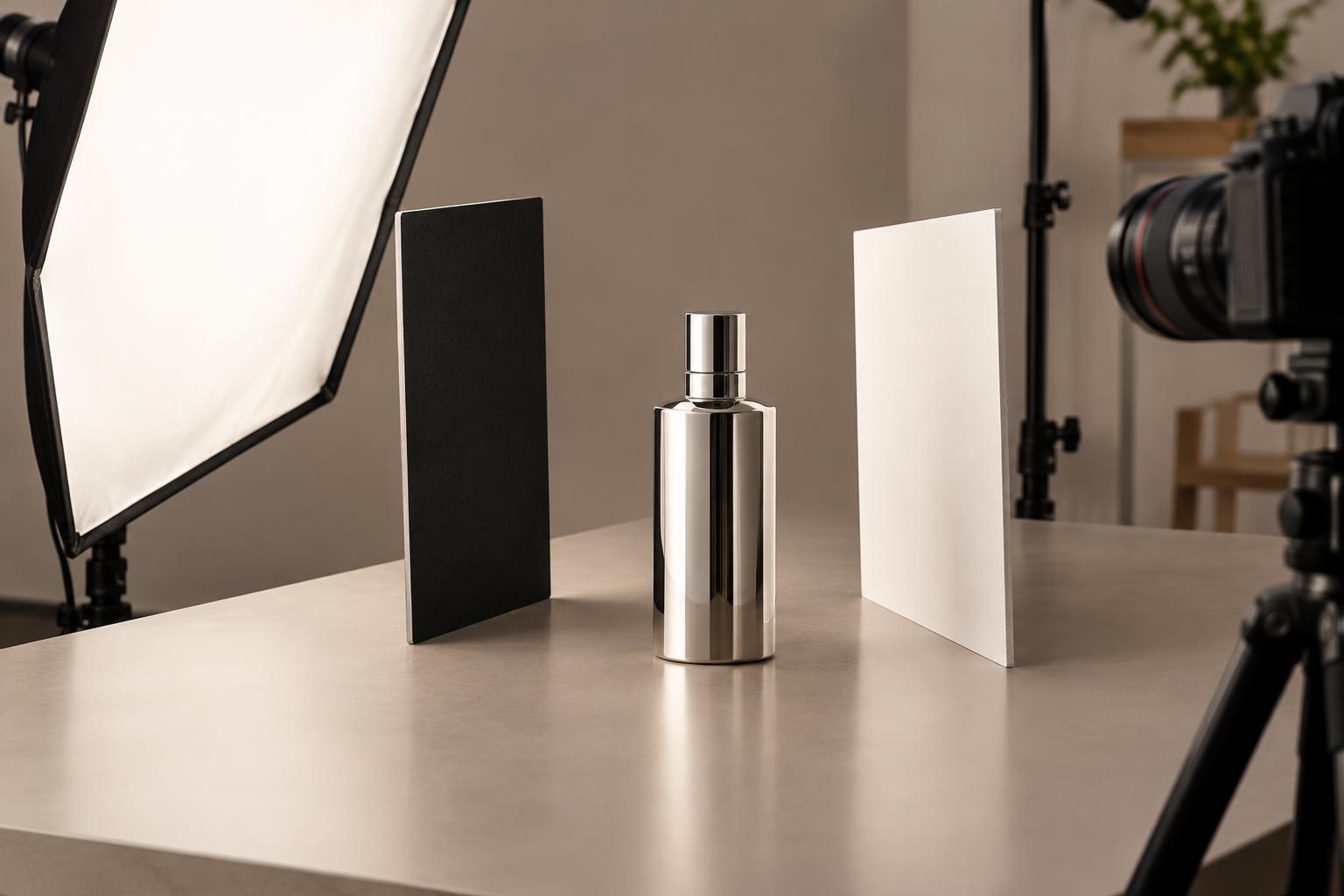
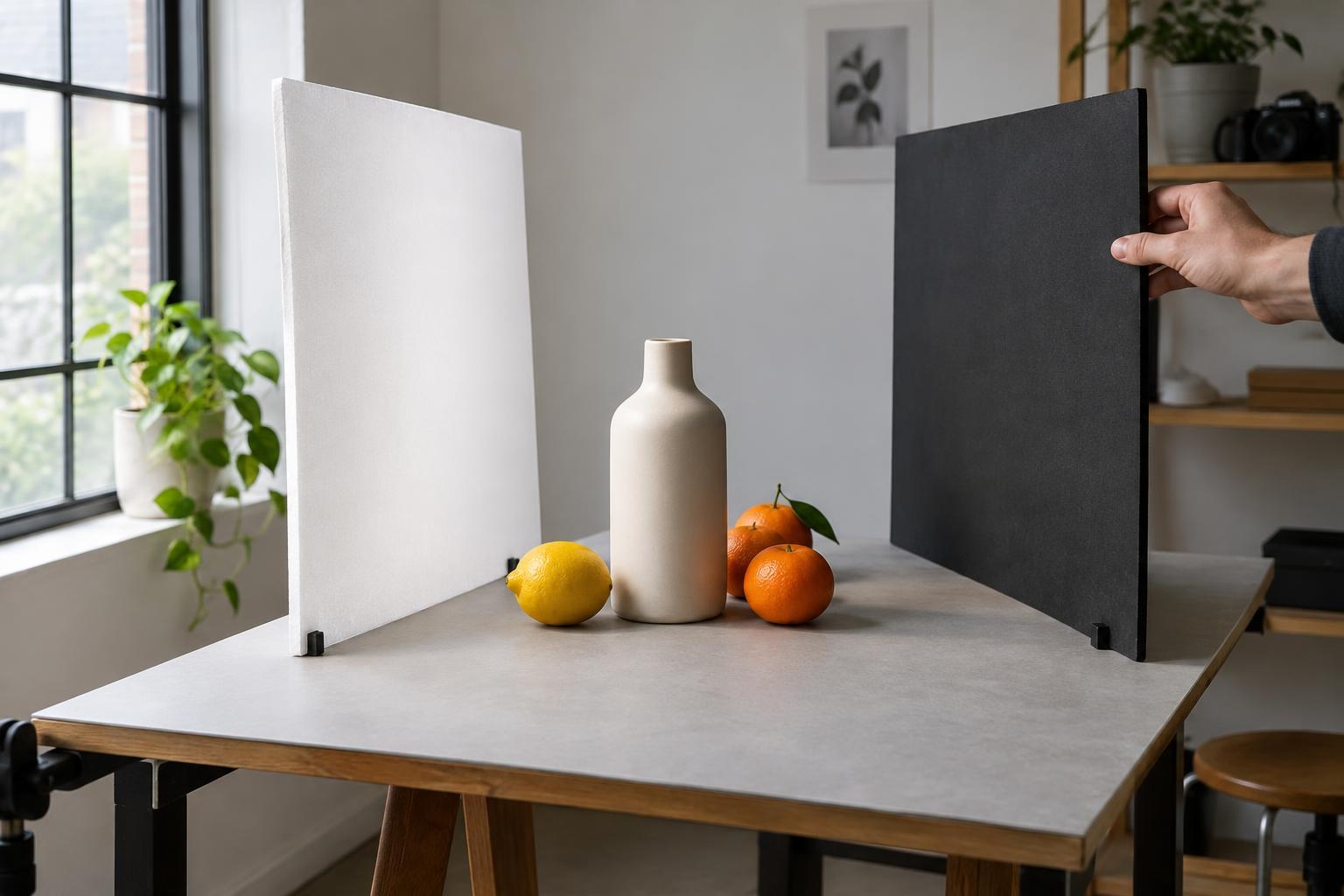
Soft, controlled light often makes a text area easier to use because it reduces harsh highlights and shadows. You can still use directional light to give the product shape, but watch where its brightest spots fall. A bright reflection behind a white headline can cause a word to disappear. Moving a reflector, flag, or light source slightly may solve the problem more naturally than adding a heavy graphic overlay later.
Color also affects how the image and message feel together. A background close to the product color can create a restrained look, while a contrasting background can make the product stand out. In either case, check that the text remains distinct from both the background and any nearby packaging.
Review the photo as a finished layout
Before ending the shoot, make a quick mockup with the longest plausible headline, a short supporting line, and any required call to action. This is a practical stress test, not a final design. Look for awkward gaps, text that overlaps a shadow, or a product that feels stranded once the words are added. Make adjustments while the set is still in place.
Keep one clean version of the chosen image without text baked into it. Separate photography and typography are easier to adapt for different crops, messages, and languages. A successful product photo with space for text is not merely an image with an empty corner: it is a flexible composition in which the product and the message have been planned together.