Treat the product as a mirror
The first step in photographing a reflective product is to stop thinking only about how to light it. A glossy bottle, polished tool or foil package also shows what surrounds it. A bright patch across its front may be a reflection of the lamp, while a dark shape may be the camera or the person behind it. Moving the light can change the glare, but changing what the product sees is often more effective.
Start with the product on a stable surface and the camera in its intended position. Look through the camera rather than judging the scene from beside it. Remove clutter from the area facing the product, then turn the item a little at a time. Small changes in angle can move a distracting reflection away from a label without changing the composition much. Before adding more equipment, decide which reflections help describe the product’s shape and which ones hide details a customer needs to see.
Make the light source larger and softer
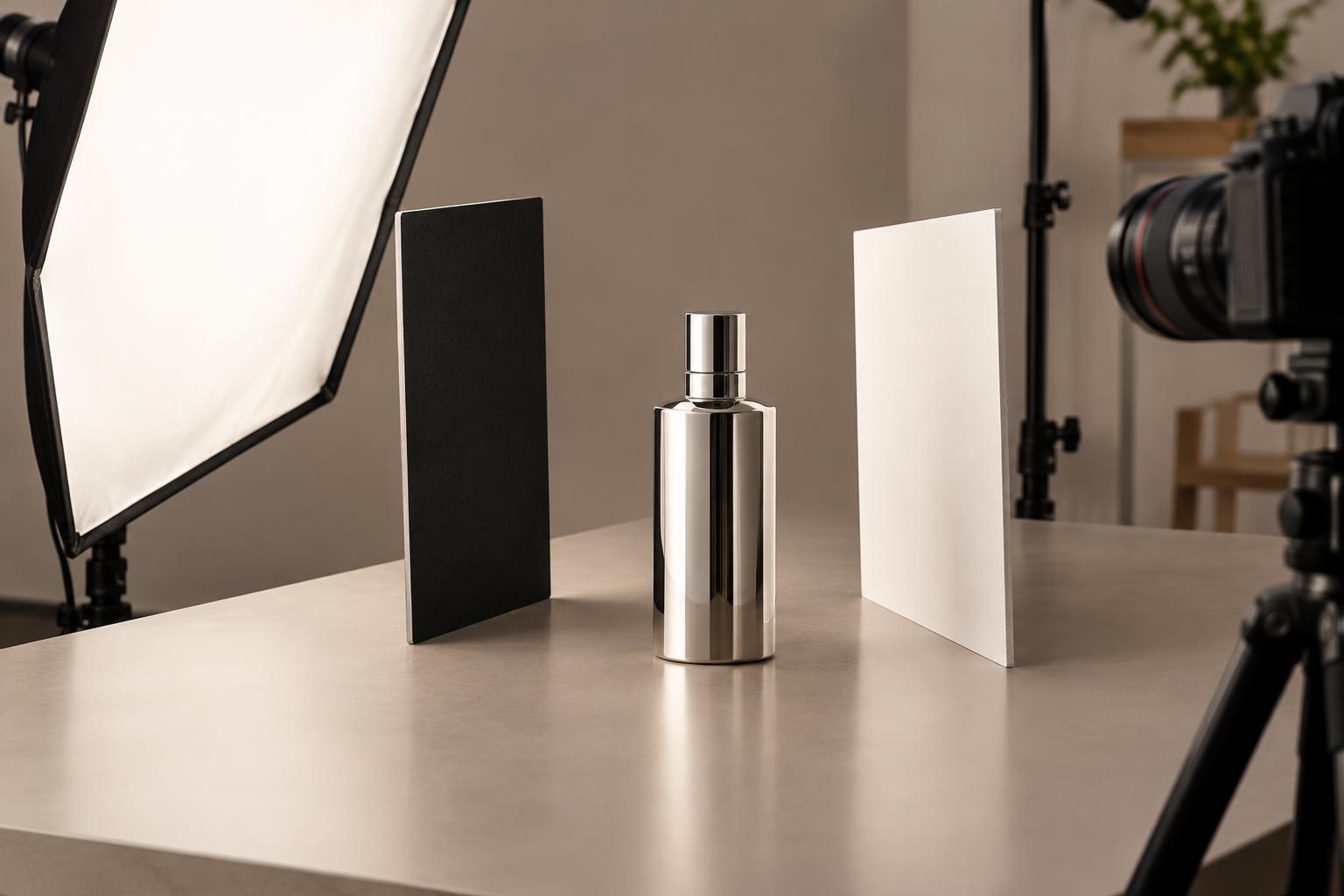
A small bare light often appears as a sharp, bright spot on a shiny surface. A larger diffused source tends to create a broader, smoother reflection. You can place diffusion material between a lamp and the product, use a softbox, or bounce light into a large white surface. Keep heat-producing lamps at a safe distance from paper or fabric diffusion, and use materials suitable for your lights.
Try placing the diffused source to one side rather than pointing it straight at the front of the product. Watch where its reflection lands as you move it higher, lower or farther around the side. A broad highlight along the edge of a glass bottle can show its shape; the same highlight across the center of its label can make the name hard to read. The goal is not to eliminate every bright area, but to put useful highlights where they support the image.
Shape reflections with white and black cards
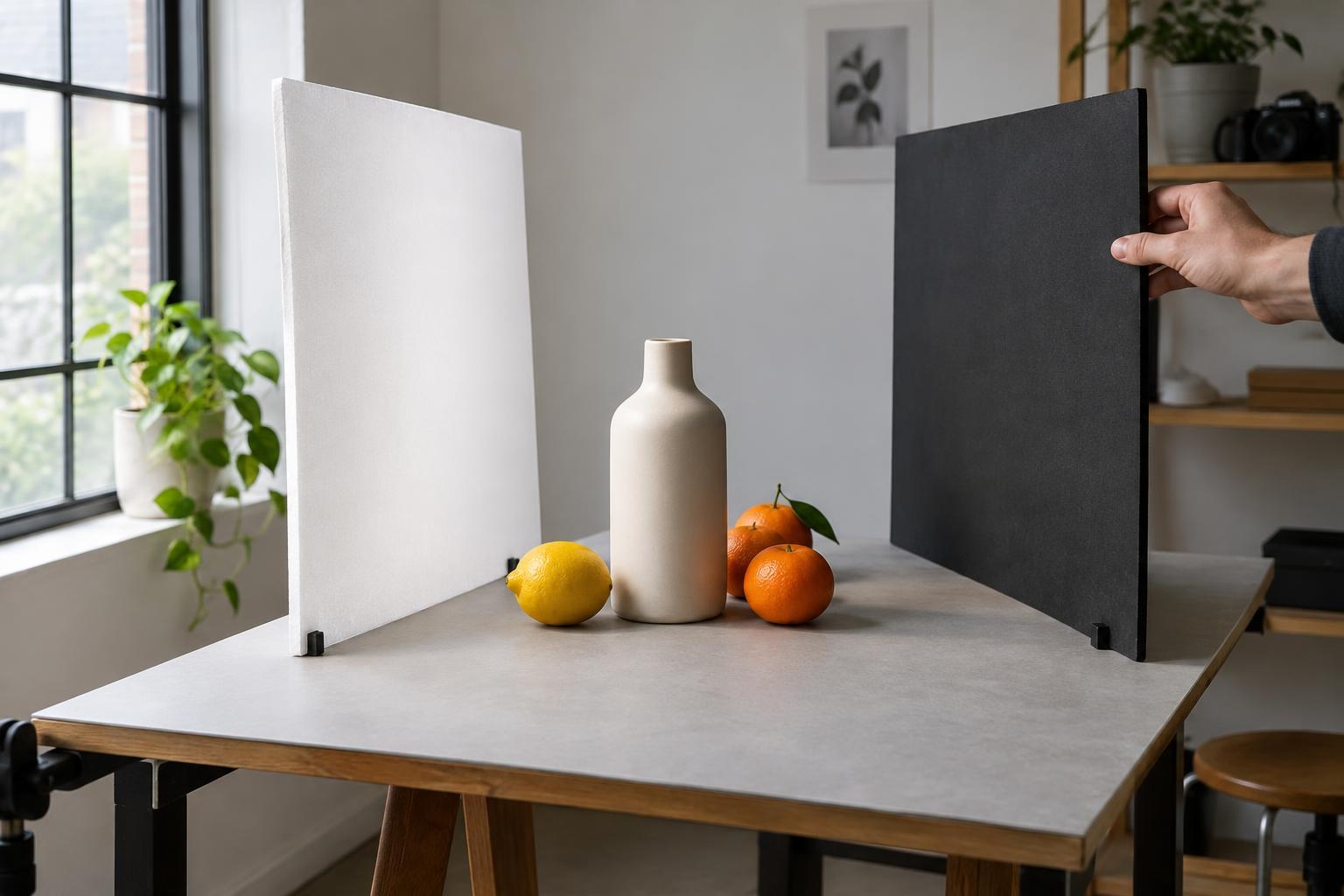
Simple cards give you precise control over what a reflective surface shows. Place a white card near one side of a product to create a clean, pale edge. Place a black card on the opposite side to add definition where the product would otherwise blend into a light background. Move each card while watching the camera view: its position and size affect both the shape and intensity of the reflection.
For a small glossy object, begin with one large diffused light and two cards. Take a frame, then adjust only one card before taking another. If a black card creates an ugly block in the surface, move it farther away or angle it until it becomes a narrow line. You can also cut a slot in a card for the lens to shoot through, reducing the amount of camera equipment visible in a front-facing reflection. Check that the card itself does not obscure the product or cast an unwanted shadow.
Adapt the setup to glass, metal and glossy packaging
Different materials need different treatment. Clear glass is often easier to define by lighting the background and using darker edges around the object. For a bottle with a printed label, check both the glass outline and the legibility of the print. Polished metal reflects its surroundings strongly, so large cards and carefully placed dark areas may reveal its contours better than direct light. Glossy packaging may need the camera or package tilted slightly so a highlight misses the main text.
A polarizing filter can sometimes reduce reflections on glass or glossy coatings. It is less useful for reflections from bare metal, and it may also remove highlights that give an object depth. If you try one, rotate it while looking through the camera and compare frames rather than assuming the strongest reduction is the best result. For any material, inspect the entire product at shooting size: solving glare on the front may reveal an unwanted reflection along an edge.
Capture a clean, consistent final image
Once the reflections look intentional, lock down the camera and product so you can make small lighting changes without losing the composition. Use a tripod if available, focus on the detail that matters most, and choose an aperture that keeps the important surfaces sharp. Clean fingerprints, dust and smudges before each set of frames; they can become especially visible in smooth highlights. Review a magnified image to catch problems that are easy to miss on a small screen.
Take a few variations with slightly different card positions. One frame may show the product’s shape best, while another keeps its label clearer. When editing, aim to remove minor dust and balance exposure without erasing the reflections that describe the material. Keep the product’s color and printed details believable. A successful reflective product photograph does not make the object look matte; it makes its shine feel deliberate and keeps the information easy to see.