Decide what the photograph needs to show
Before setting up a camera, list the details a buyer would need to understand. A ceramic mug may need a front view, a view of the handle and a close-up of its finish. A folded garment may need one image that shows its overall shape and another that makes the fabric texture clear. This short shot list keeps the session focused and helps you notice missing views before you put everything away.
paragraphs cannot be a key
Build a simple, uncluttered set
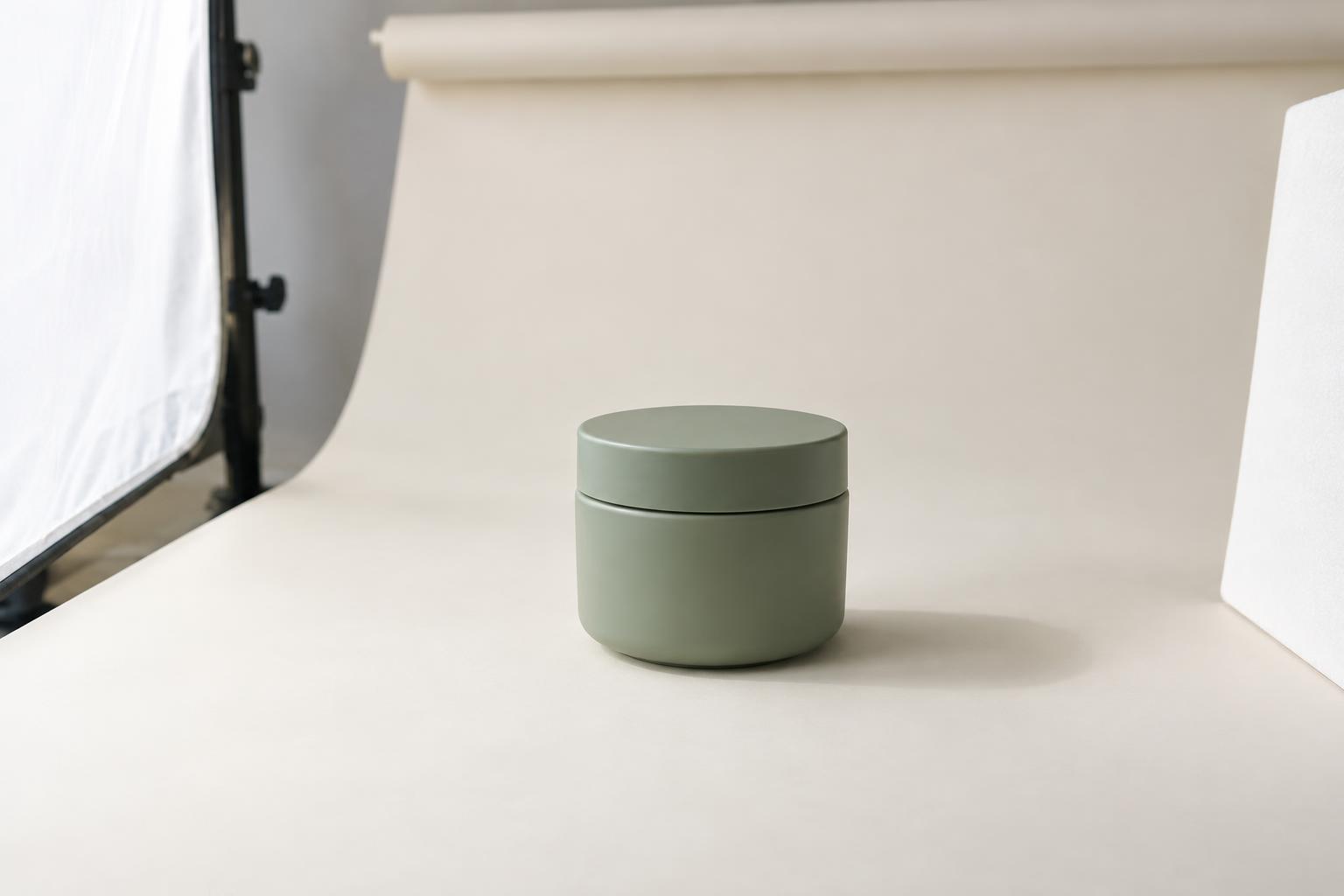
Choose a backdrop that provides clear separation from the product. White and pale gray are versatile, but a dark or transparent item may be easier to see against a light gray background than a pure white one. Use a large sheet of matte paper or card for small objects. Curve it gently from the surface up behind the product to create a seamless background without a visible horizon line.
Give the product enough space on the backdrop that the edges of your frame contain only the chosen background. Keep spare packaging, tape and props out of view unless they communicate something essential. Clean the product before shooting: dust, fingerprints and loose threads become surprisingly prominent in close photographs. If the product cannot stand on its own, use a small support hidden behind it and check that the support does not cast a distracting shadow.
Place the camera at a height that describes the product accurately. A straight-on view can show the label and silhouette; a slightly raised view can reveal the top and depth. Avoid a steep angle simply because it looks dynamic if it makes the object’s proportions hard to judge. For a set of related products, mark the camera and product positions so you can repeat the framing.
Use soft light and control the shadows
A large window can be an effective light source. Set the product beside it rather than directly in a patch of hard sunlight. If the light is harsh, a sheer curtain can soften it. Turn off nearby lamps if they cast a different color of light; mixing light sources can make a white backdrop look uneven and product colors difficult to match across images.
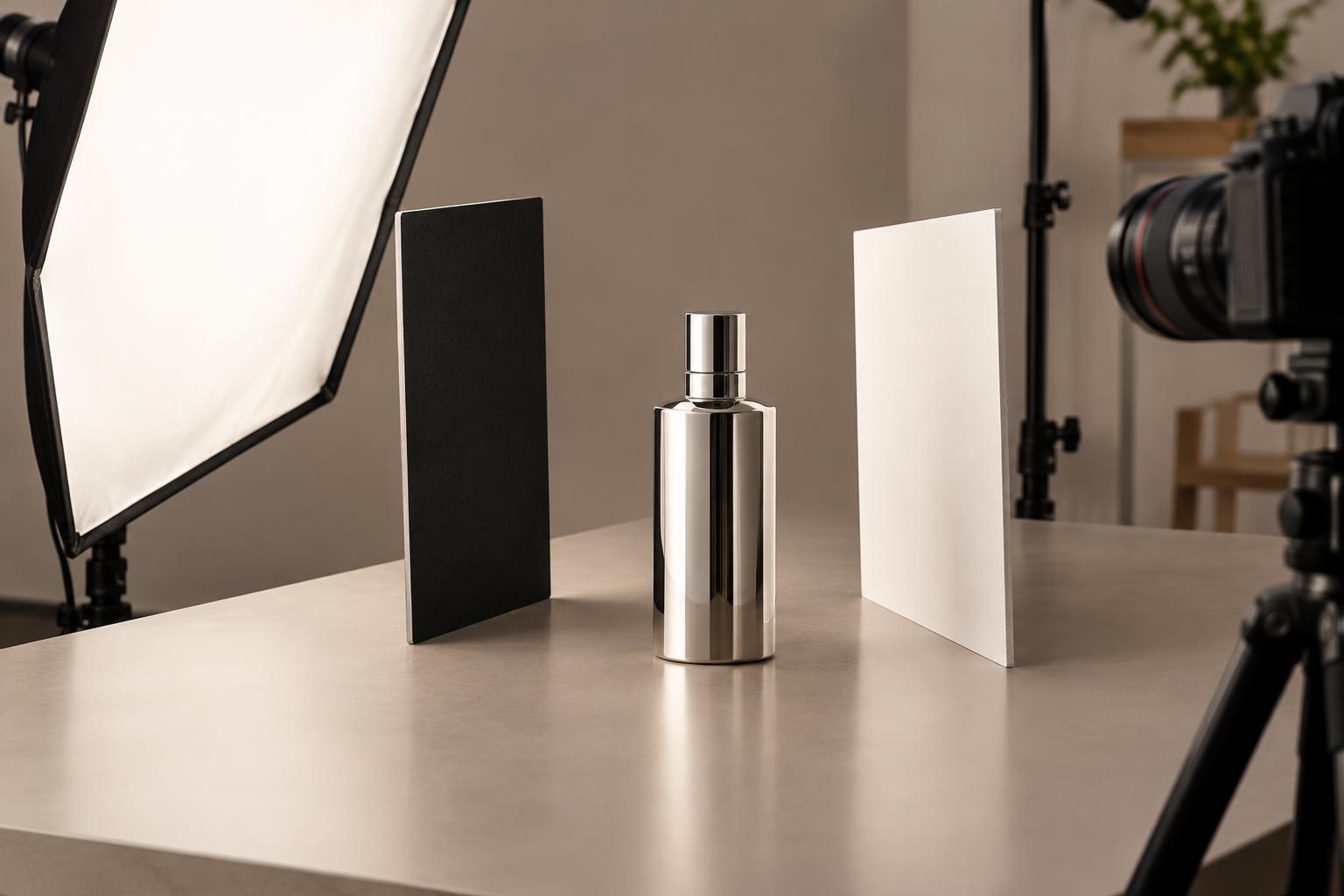
Start with the window to one side of the product. This creates gentle shading that gives the object shape. If the opposite side looks too dark, place a piece of white card there to reflect some light back. Move the card closer or farther away until the details are visible without flattening every shadow. A clean background does not require a shadowless product: a soft contact shadow can help it look grounded.
Glossy bottles, metal and glass reflect what surrounds them. For these items, look at the reflections while moving the light, camera and white cards a little at a time. A bright rectangular reflection may describe a curved surface well, while a reflection crossing a label may hide important text. Check each adjustment through the camera rather than relying only on how the set looks from where you stand.
Keep the camera and framing consistent
A phone or camera can both produce useful product images when they are steady and the light is controlled. Support the device with a tripod or stable surface, especially in dim light. Tap or focus on the product, then check the result at full size to make sure the label, texture or other key detail is sharp. Avoid using a very wide view from close range if it stretches the product’s shape; step back and use a less wide view when possible.
Leave breathing room around the object so it does not feel cramped or risk being cut off in different layouts. Keep the product upright and check that prominent horizontal lines are level. If images will appear together in a shop grid or catalog, use a consistent crop and apparent product size. Take the planned views, then review them before changing the set: the back, base or opening may contain a detail customers will want to see.
Edit for clarity, not reinvention
Choose the sharpest frames first. Make modest adjustments to brightness, color balance and crop, checking that the product still looks like the item in hand. A background intended to look white may need brightening, but pushing the entire image too far can erase pale edges and surface texture. If that happens, improve the separation with lighting or a slightly darker backdrop on the next shoot rather than forcing it in editing.
Remove temporary distractions such as a visible support or a speck of dust, but keep permanent product features truthful. Compare images side by side before exporting: do the backgrounds, colors, crops and shadows feel like one set? Finally, save copies at dimensions appropriate for where they will appear, while retaining the original files. A repeatable process matters more than an elaborate studio; a clear shot list, controlled light and consistent framing can make a modest setup work well.